15 Fun Birthday iPhone Wallpapers to Celebrate With

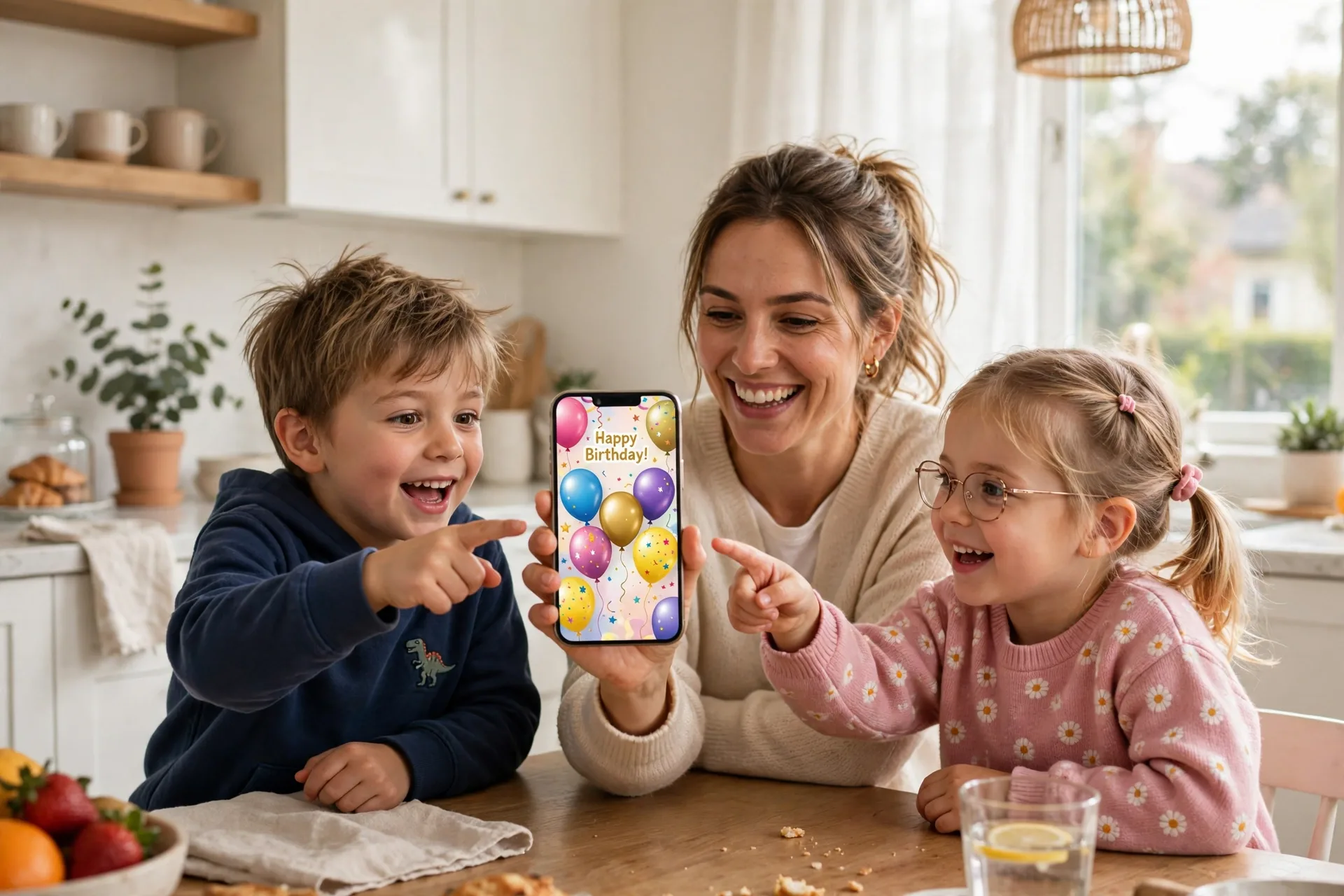
There is a special kind of countdown that starts on your child’s birthday morning: the one you do with your thumb. Wake up, grab the phone, and there it is. The lock screen should feel like the day. Balloons, a cake with candles, your kid’s name in gold script. A birthday iPhone wallpaper is the easiest decoration you will set all year. It takes two minutes, costs nothing, and you will see it a hundred times before the candles are blown out.
This guide gives you fifteen birthday picks organized by mood, so you can find your vibe without scrolling through a thousand random uploads. You will also get the exact size for your iPhone, the three ways to set any wallpaper, where to find more free designs, and one thing nobody tells you: your favorite pick can become real party decor with a home printer. If you are planning the whole celebration, start with our kids birthday party ideas guide first, then dress your phone to match the theme.
Heads up: this post contains one affiliate link (in the printing section). If you buy through it, MamaKinder may earn a small commission at no extra cost to you. It helps keep these guides free. Every wallpaper source below is free.
Quick Picks: Where to Start
| When this is your mood… | Start with |
|---|---|
| You want the whole guide in one read | Picks 1–15, starting with balloons |
| Your wallpaper looks blurry or gets cut off | Section: The Right Size for Your iPhone |
| You need it set before the birthday kid wakes up | Section: Set It Up in Two Minutes |
| You want the design as actual party decor | Section: Print a Favorite for Party Decor |
| You just want cute free sources to browse | Section: Where to Find More (All Free) |
| Your wallpaper keeps looking wrong | Section: Quick Fixes |
The 15 Picks, By Mood
Balloons & Party Scenes
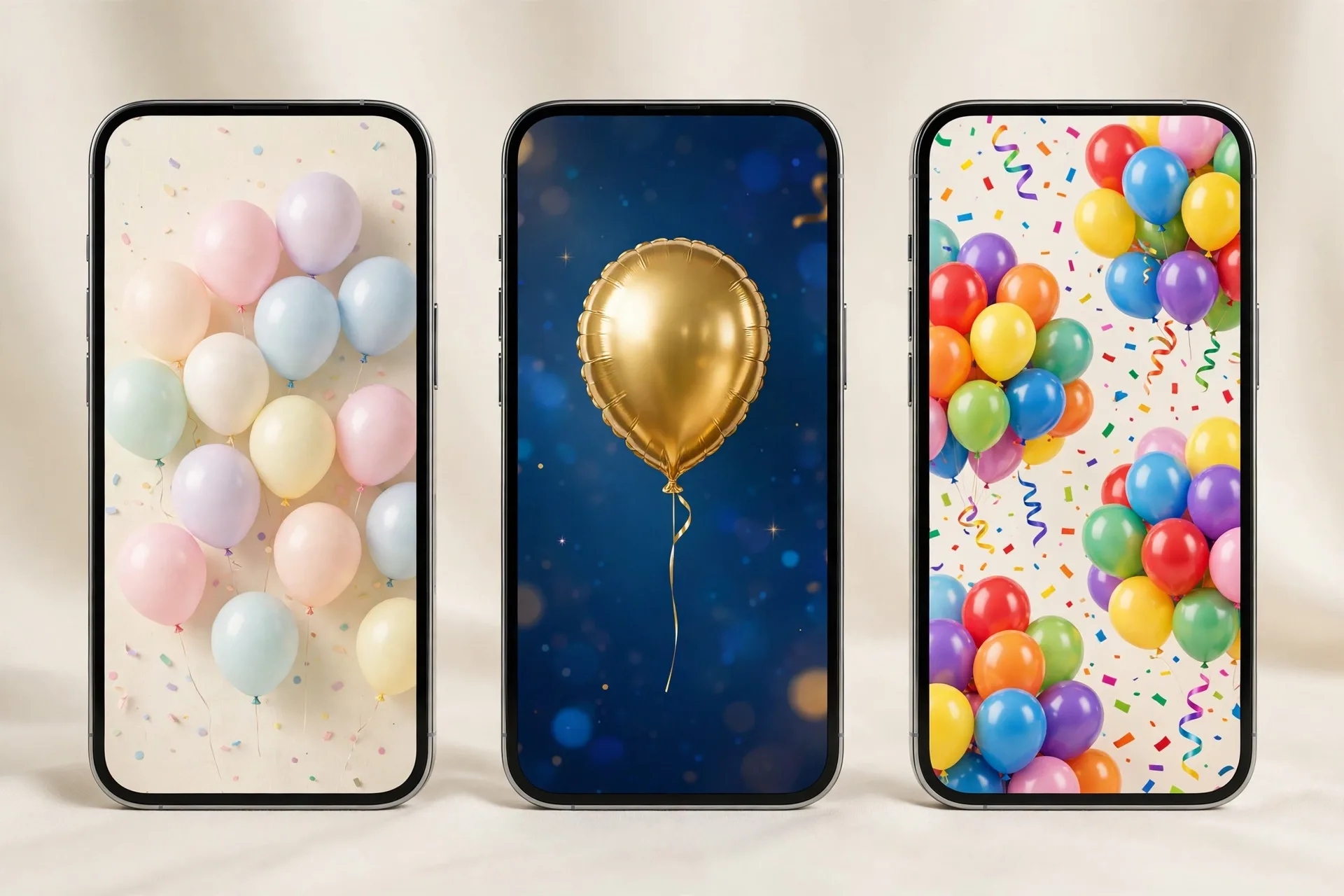
1. The Pastel Balloon Field. Dozens of soft pink, blue, cream, and lavender balloons floating up a cream background, with tiny confetti sprinkled between them. This is the wallpaper our 4-year-old picked for her own mini tablet, and the reason it works is the airy background. The lock-screen clock sits in the open space at the top without fighting a single balloon.

2. The Gold Foil Balloon on Navy. One big metallic gold balloon against deep navy, with soft glowing dots like distant stars. This one looks expensive on an OLED screen because the dark background is literally the pixels resting, and the gold pops against it. It is my pick for grown-up birthdays, and it doubles as a New Year’s screen if you leave it up.

3. The Confetti Cascade. Rainbow confetti frozen mid-fall over a plain white background. No balloons, no cake, just celebration in its purest form. Confetti designs survive the iOS crop better than almost anything because there is no single subject to lose. Every corner of the screen is interesting.

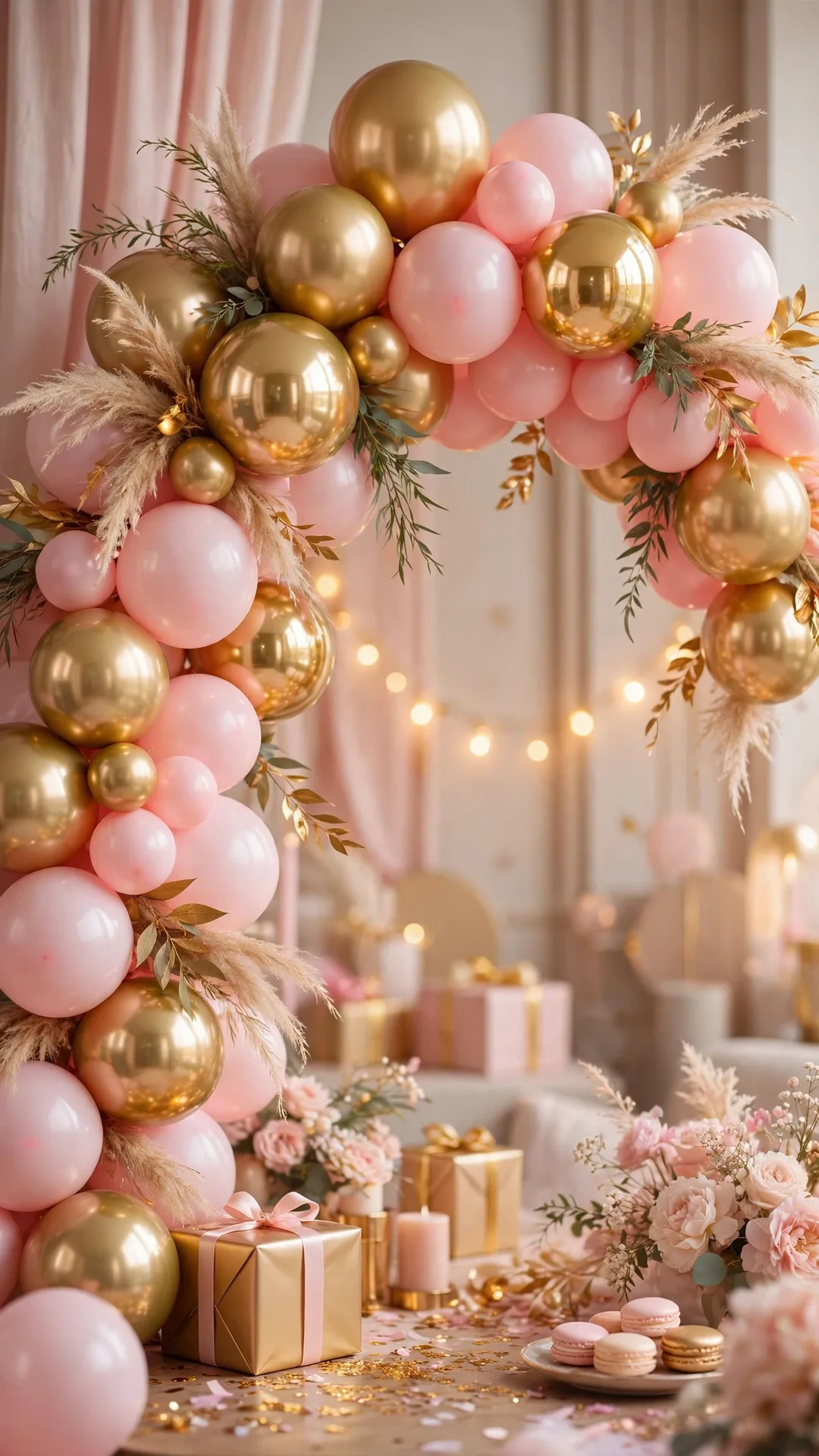
4. The Pink-and-Gold Balloon Arch. A swirl of blush and gold balloons curving across the screen like a party arch, ribbon ends trailing. It matches the decor most of us actually buy (the pink-and-gold aisle is undefeated at Target), so your phone and your party table look like they planned it together.
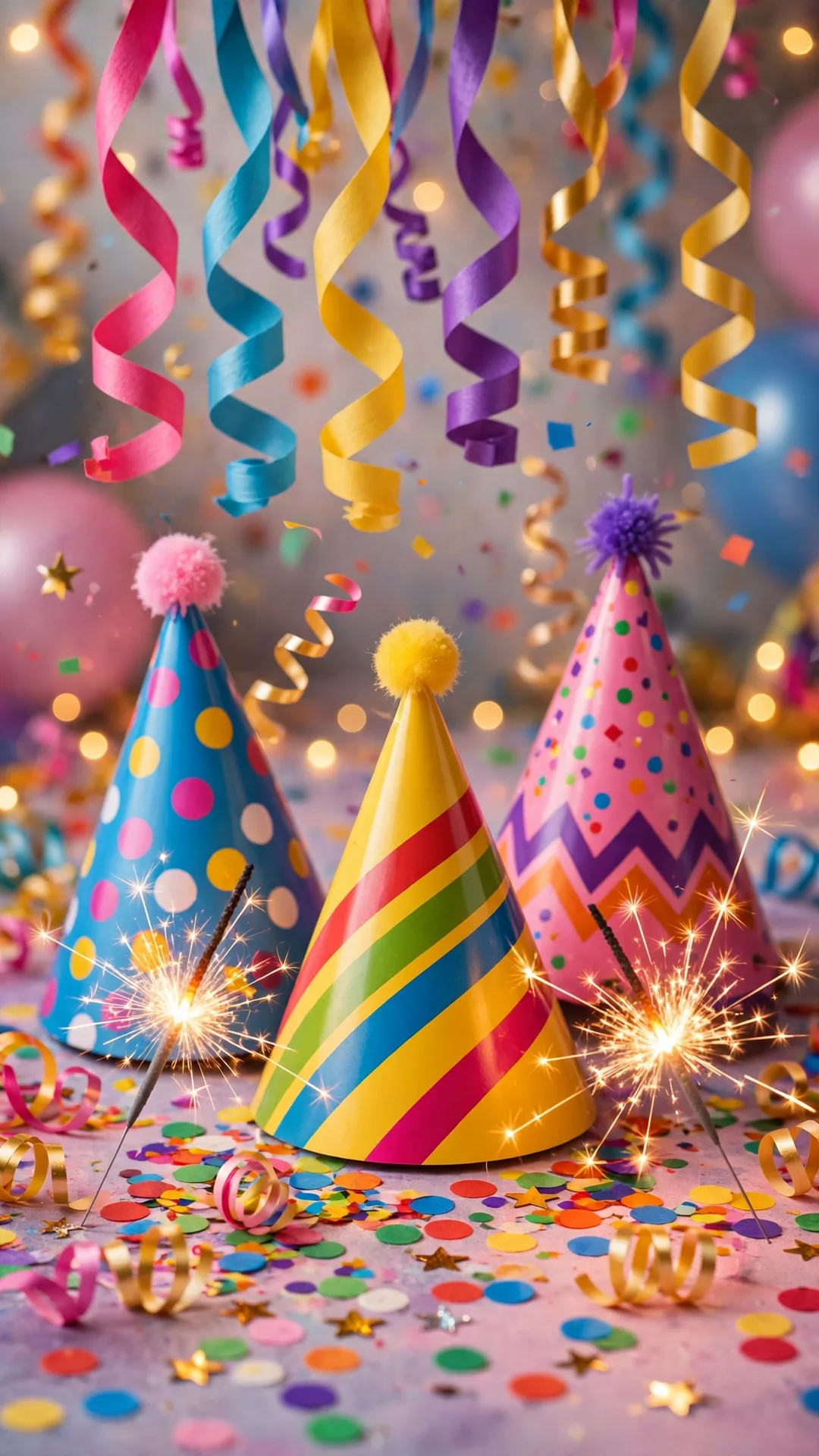
5. Party Hats, Streamers, and Sparklers. An evening-party scene: deep plum background, glowing sparklers, coiled streamers in jewel tones. Moody, festive, and different from every pastel balloon design out there. This is the one for the adult birthday dinner, or the teen who thinks pastel is for babies.
Cake, Candles & Sweet Treats

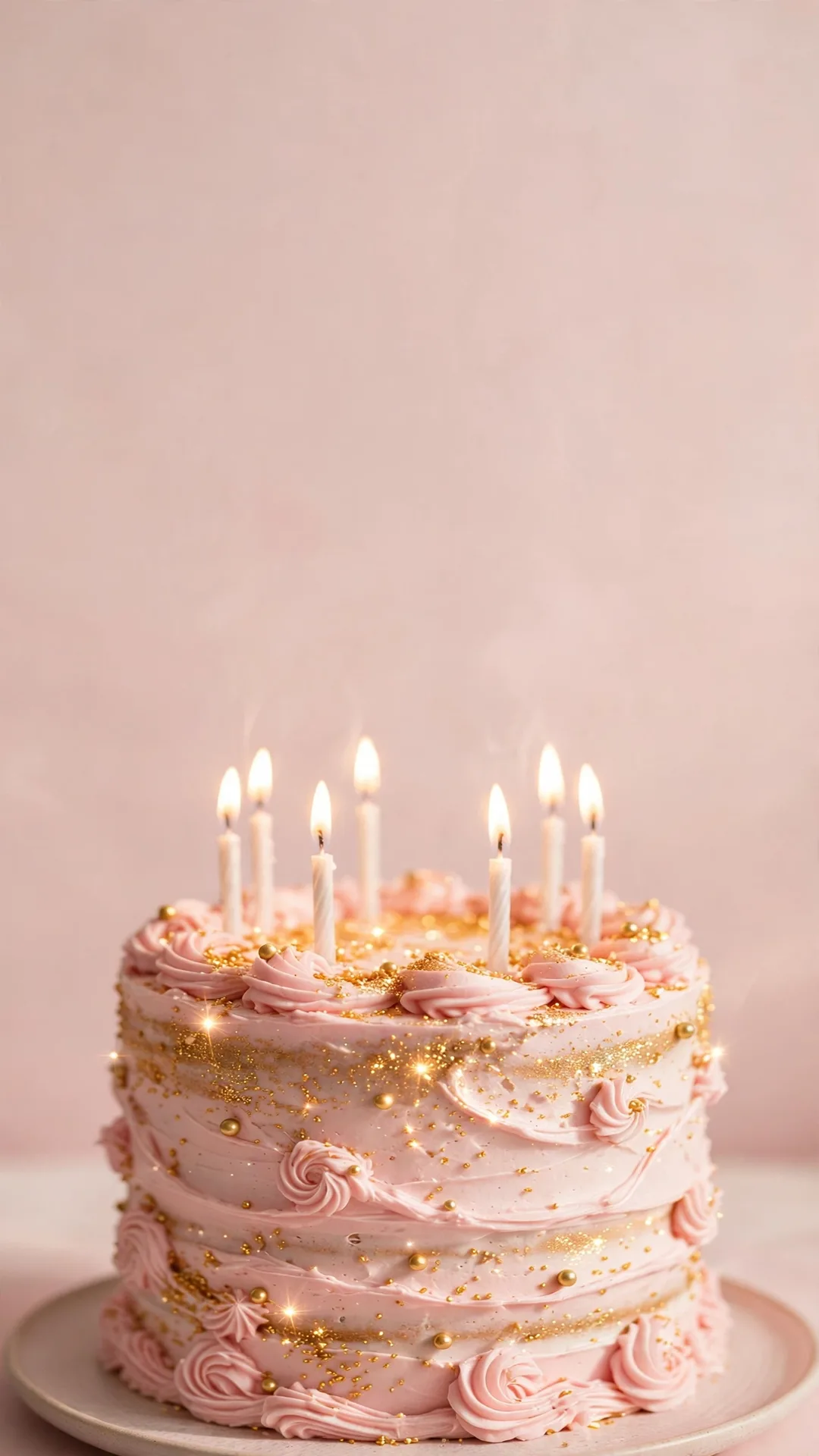
6. The Pink Frosted Cake. A tall pink cake with lit candles on a blush background, gold sprinkles catching the light. Pure birthday shorthand. The warm tones glow under Dark Mode, and the candles’ little flames make the lock screen feel alive without a single animation.
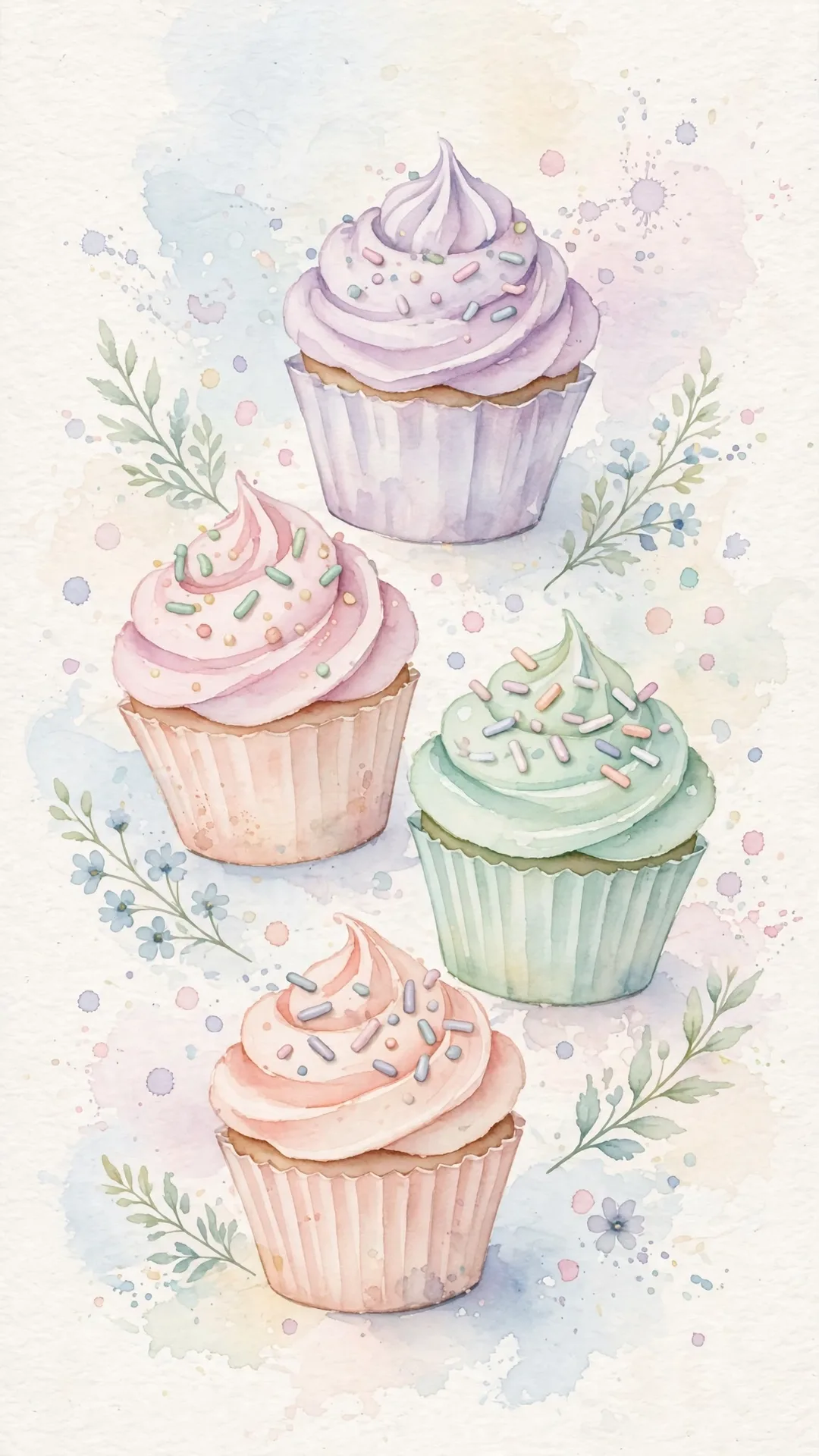
7. Watercolor Cupcakes. Painted cupcakes in pinks, blues, and yellows with loose brush strokes and soft edges. Watercolor is the quietest aesthetic in this whole list. The colors stay pale at the edges, so the clock and any widgets stay perfectly readable. A lovely pick for a first birthday, when everything about the day is already pastel.
8. The Glowing Candle Close-Up. A tight shot of lit birthday candles against near-black, flames sharp and warm. Dramatic, gorgeous, and the best-behaved wallpaper here for readability: the subject sits low, the clock sits in the dark above, and nothing fights for your eye.

9. The Rainbow Sprinkle Slice. A slice of rainbow-sprinkled cake on a cream background, playful and a little nostalgic. It reads instantly even at a glance, which is what you want on a lock screen. Our 2-year-old pointed at this one and said “cake,” which is exactly the level of clarity a wallpaper needs.

Words & Milestones
10. The Gold Script “Happy Birthday.” Elegant gold lettering on a soft cream background with a few floating balloons at the edges. It says the thing, and it says it beautifully. This is the pick for wishing someone: screenshot your lock screen and text it, or set it the morning of a friend’s birthday as your own little countdown.

11. The Milestone Number Designs. Big bold numbers in balloon or confetti style: 1 for the first birthday, 16, 18, 21, 30, 40, 50 for the grown-up milestones. A “30” in gold foil balloons hits differently than generic confetti, because it is their number. Search “30th birthday iPhone wallpaper” and you will find versions for every milestone age.

12. Sweet Birthday Quotes. “Make a wish,” “Another year of you,” “Cake, candles, and everything nice” in pretty lettering over soft backgrounds. Quotes work when the birthday is emotional, not just festive: the first birthday after a hard year, your mom’s 70th, your best friend’s. Pick one where the text sits in the upper third so the clock does not land on top of the words.
Kids’ Favorites & Playful
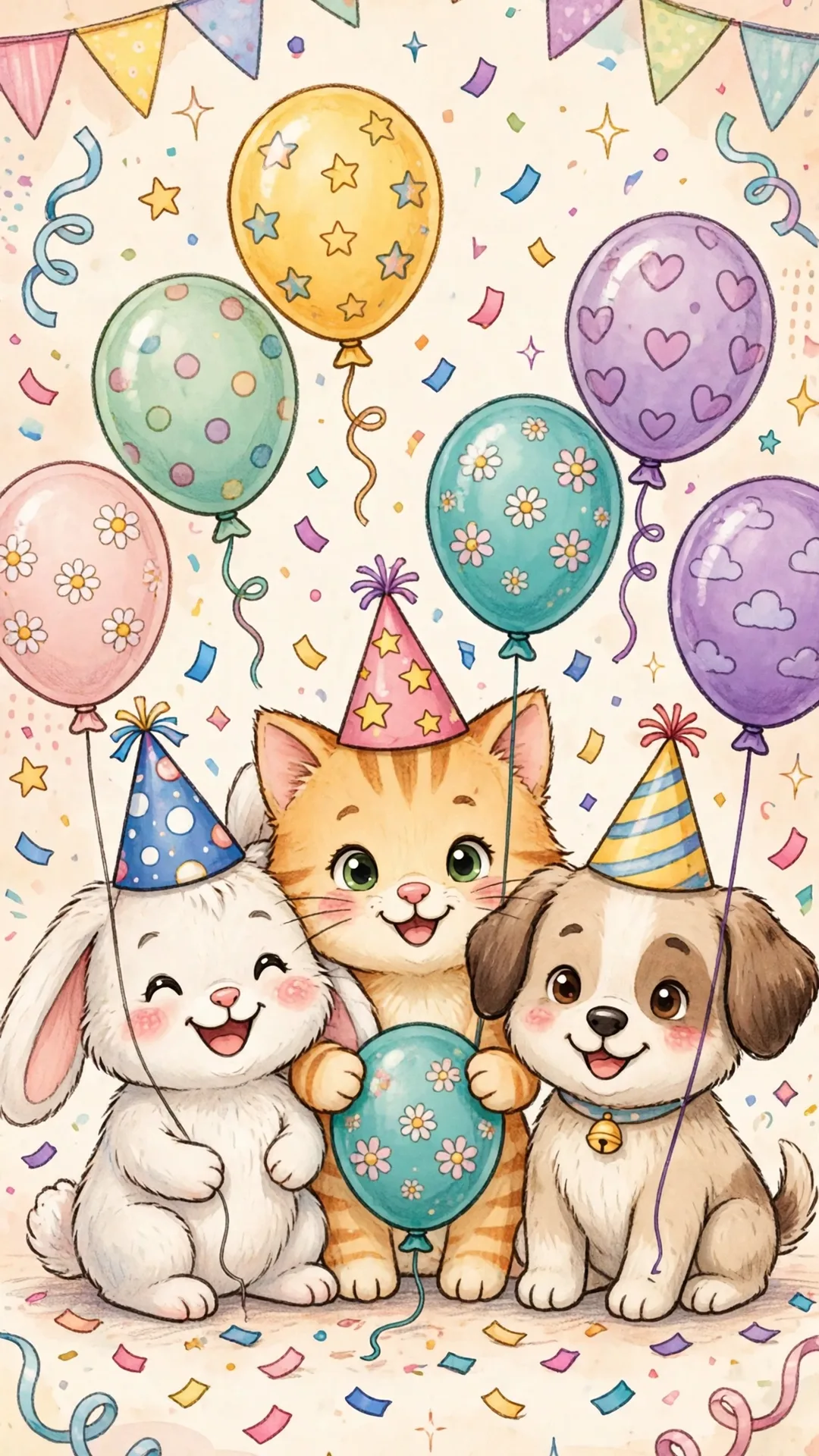
13. Party-Hat Animals. A cartoon fox, bunny, and bear in party hats against a soft mint background. This is the toddler pick. Simple shapes, big friendly faces, nothing busy. My 2-year-old’s current wallpaper is a version of this, and she “shows” it to everyone who visits, which tells you everything about how wallpapers work for small kids.
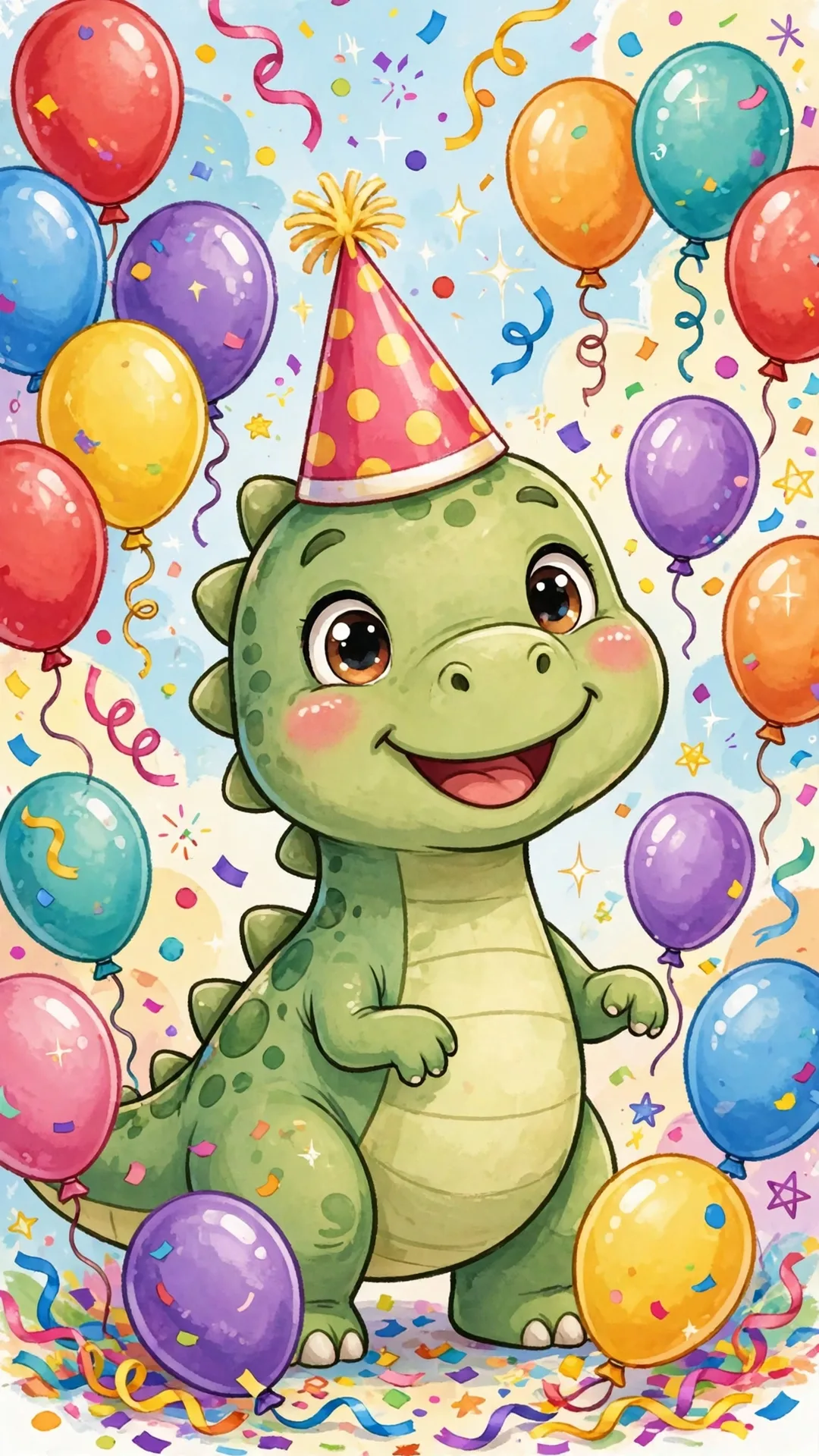
14. The Dinosaur Birthday. A cheerful dino in a party hat with balloons and confetti. If your house is in a dinosaur phase (ours has lasted eighteen months and counting), this is the only wallpaper that matters. It pairs beautifully with a dino-themed party, and there is a whole world of matching dino birthday decor to go with it.
15. The Neon Glow Party. Electric pink, cyan, and purple shapes on black, like a glow-stick party frozen in time. This is the teen pick, and it looks unreal on an OLED screen. Bright enough to read as festive, dark enough to keep the icons crisp. If your teenager has opinions about everything, this is the wallpaper they will not argue with.

Print a Favorite for Party Decor
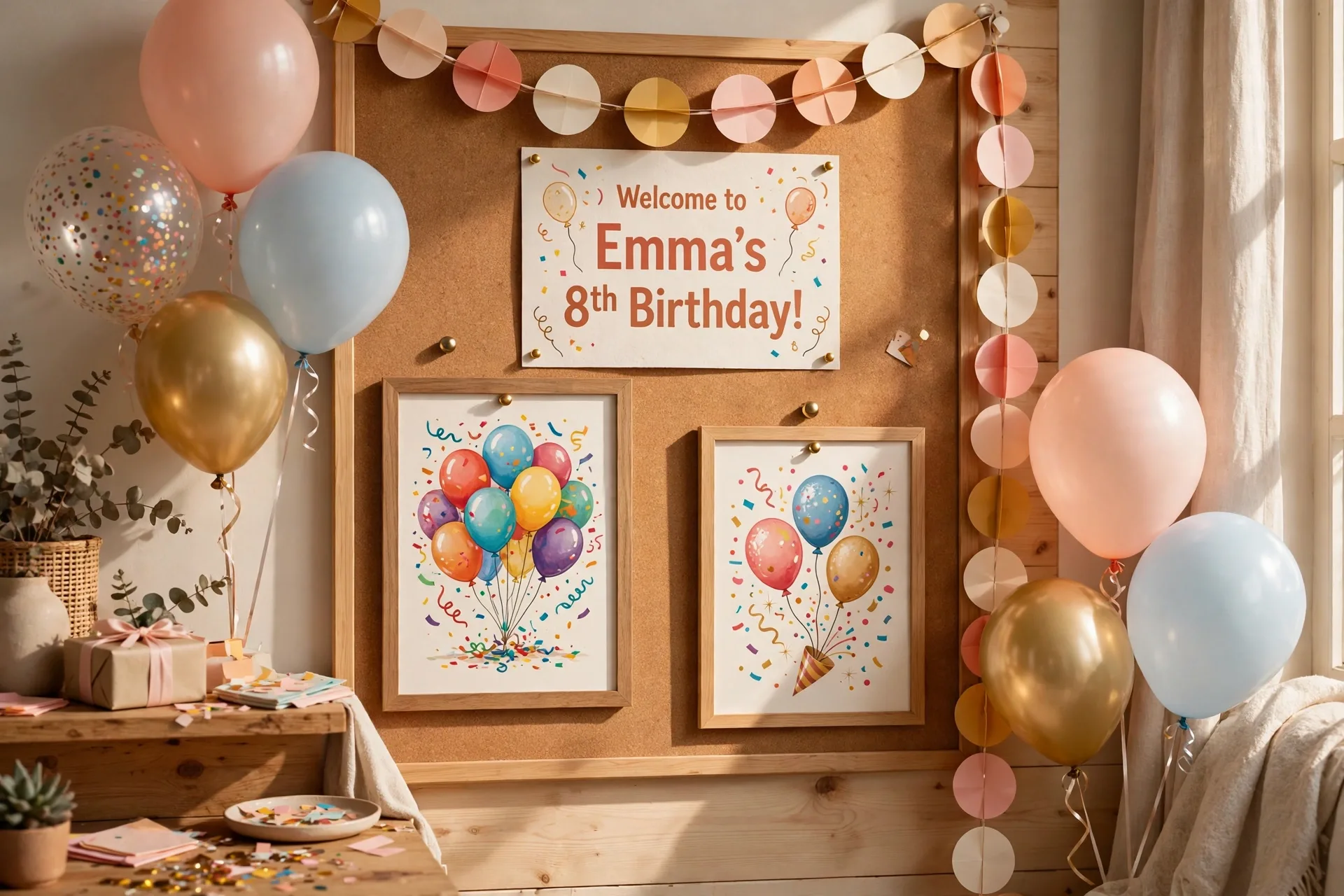
Here is the trick nobody writes about: your favorite wallpaper pick can leave the phone and join the party. Save the design you love, print it, and frame it for the dessert table. A gold-script “Happy Birthday” design becomes a welcome sign at the door. The pastel balloon field, printed large and framed, becomes photo-booth art. Two prints flanking the cake stand look like you hired a designer, and the whole thing costs less than one pack of party plates.
Print on matte photo paper or light cardstock for the best color. A frame from the dollar store is all the finishing it needs. The design is already sized and styled for you, so the only work is the printing.
For a birthday party, the printer matters more than most people expect. Between the welcome sign, the table art, the “one year of you” photo captions, and the thank-you notes, you can easily run through thirty or forty color pages in a party week. An Epson EcoTank ET-2800 is built for exactly this: refillable ink tanks instead of cartridges, and Epson rates one ink set at up to 4,500 black and 7,500 color pages, with up to 2 years of ink in the box. A whole party’s worth of prints costs pennies instead of a cartridge panic the night before.
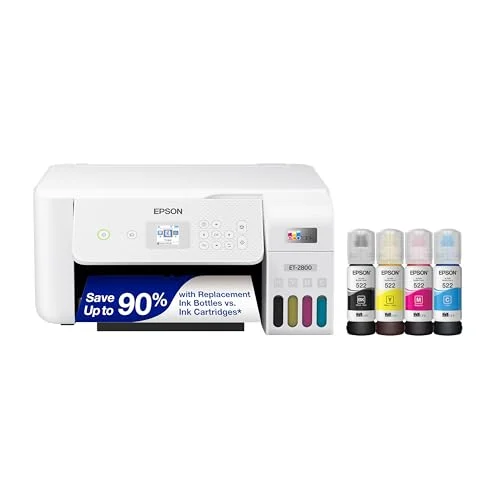
Epson EcoTank ET-2800 Printer
The printer behind the party-decor trick above: refillable ink tanks instead of cartridges, with Epson rating one ink set at up to 4,500 black and 7,500 color pages, and up to 2 years of ink in the box. Welcome signs, table art, and thank-you notes all print for pennies.
Set It Up in Two Minutes
Three routes to the same lock screen. Pick the one that is fastest for you.
The Settings route (most control). Open Settings, tap Wallpaper, then Add New Wallpaper. Choose Photos for a saved design, or Apple’s categories like Emoji or Color for a quick themed background. Pick your image, pinch to zoom and drag it so the subject sits below the clock, tap Add, then Set as Wallpaper Pair. Your old wallpapers stay in the gallery, so you can switch back after the party.
The lock-screen route (fastest). Wake your phone but stay on the Lock Screen, then touch and hold an empty spot until the wallpaper gallery appears. Tap the plus (+) and choose your saved birthday design. This is the route for the morning of: download, hold, tap, done before the birthday kid is out of bed.
The Photos route (already looking at the picture). If the design is open in Photos, tap Share and choose Use as Wallpaper. If you found it on the web: touch and hold the image, tap Save to Photos first, then set it. Birthday designs from Pinterest save this way in seconds.
The Right Size for Your iPhone
A blurry birthday wallpaper is almost always a size problem, not a picture problem. The rule: use a portrait image at your iPhone’s native resolution or larger. Smaller than your screen, iOS stretches it, and that is the blur. Bigger is always safe, since iOS scales down gracefully. Every current iPhone uses roughly a 19.5:9 portrait ratio, so a tall portrait image crops the least.
| iPhone model | Best wallpaper size (portrait) |
|---|---|
| iPhone 16 Pro, 17, 17 Pro, 18 Pro | 1206 × 2622 px |
| iPhone 16 Pro Max, 17 Pro Max, 18 Pro Max | 1320 × 2868 px |
| iPhone 16, 15, 15 Pro, 14 Pro | 1179 × 2556 px |
| iPhone 16 Plus, 15 Pro Max, 15 Plus, 14 Pro Max | 1290 × 2796 px |
| iPhone 14, 13, 12, 16e, 17e | 1170 × 2532 px |
| iPhone 12 mini, 13 mini | 1080 × 2340 px |
| iPhone SE (2nd & 3rd gen) | 750 × 1334 px |
Two framing rules for birthday designs: keep the candles, faces, and the important part of the picture away from the edges (iOS crops to fill), and keep the subject clear of the top-center camera cutout and the clock. For quote and milestone-number designs, check the preview before tapping Add: numbers and lettering are the first things the clock covers if they sit too high.
Where to Find More (All Free)
The fifteen picks above are the curated start. When you want to hunt, the free sources worth knowing: Unsplash and Pexels for high-resolution birthday photography (search “birthday balloons” or “birthday cake”); Pinterest for curated boards (search “birthday iphone wallpaper” plus your theme, like “gold” or “dino”); the Zedge app for one of the largest mobile wallpaper libraries; and Papers.co for clean minimal options. Two house rules: always download the full-resolution version (never a thumbnail preview), and skip anything with a big watermark across the middle. It will look like a watermark on your phone forever.
Quick Fixes
It is blurry. The image is smaller than your screen, so iOS enlarged it. Redownload the full-resolution version and set it again.
The candles or the number got cropped. The subject sits too close to the edge, or the image’s ratio is far from 19.5:9. Pinch out in the wallpaper preview to shrink the design, or grab the portrait version.
The clock covers the text. Quote and milestone designs do this a lot. Pinch the design smaller in the preview so the words sit below the clock, or pick a design with the text in the lower two-thirds.
I saved it but cannot find it. Safari saves to your camera roll: open Photos and check Recents. Pinterest saves go there too unless the app asked to use the Files app instead.
It looks washed out. Some browsers compress images on download. Save from the original page, not a search-result preview, and avoid screenshots of the design, which are always lower resolution than the file itself.
Shop This Post
Everything used in this guide, in one place:
| Product | Used For | Price |
|---|---|---|
| Epson EcoTank ET-2800 Printer |
Printing favorite wallpaper designs as party decor: welcome signs, framed table art, thank-you notes | Check Price |
Frequently Asked Questions
Are birthday iPhone wallpapers free?
The designs and sources in this guide are all free: Unsplash, Pexels, Pinterest, Zedge, and Papers.co all offer free downloads. The only thing that costs money in this guide is the optional printer for the party-decor trick, and even the printing is cheap per page.
How do I set a birthday wallpaper on my iPhone?
Open Settings, tap Wallpaper, tap Add New Wallpaper, choose Photos, pick your saved birthday design, position it, tap Add, then Set as Wallpaper Pair. Or touch and hold your Lock Screen and tap the plus button for the fastest route.
What size should my birthday iPhone wallpaper be?
Match your model’s native portrait resolution or larger: for example 1206 × 2622 px on an iPhone 16 Pro/17, 1179 × 2556 px on an iPhone 16/15. The full table is above. Portrait orientation crops the least.
Can I print a phone wallpaper for party decorations?
Yes, and it is one of the best uses of a design you love. Save the full-resolution file, print it on matte photo paper or light cardstock, and frame it for the dessert table or door. Gold-script and balloon designs work best at larger sizes.
What is the best birthday wallpaper for a toddler?
Simple, friendly designs: party-hat animals, pastel balloons, or a big milestone “1” or “2” number. Keep the subject large and centered, because toddlers tap and stare at the screen up close, and busy designs look like noise to small eyes.
Your Phone Is Part of the Party
That is the whole project: pick one of the fifteen above, save it at the right size, set it in two minutes, and let your lock screen carry the birthday mood all day. Then print your favorite for the party table, because the best wallpaper is the one that escapes the phone.
Our 4-year-old has already requested the dinosaur one for hers, which means I am setting it tonight and framing it tomorrow. Happy birthday season, friends. May your candles stay lit and your lock screen stay festive.
More birthday guides on MamaKinder