30 Best Apps for Moms That Make Life Easier

My phone used to be the thing that made me feel behind. Every app promised to fix my life, and every one of them needed feeding: another list, another login, another little red badge judging me from the home screen. Then I deleted most of them. What is left is a small set of apps that each do exactly one job. These are those apps.
These 30 best apps for moms cover the whole day: the family calendar, the baby log, dinner, the budget, and the ten minutes that are yours. Every one is free to download, and most do their best work on the free plan. Pick three to start. Our Mom Life Tips guide has the small systems these apps plug into.
Heads up: this post contains affiliate links. If you buy through them, MamaKinder may earn a small commission at no extra cost to you, and it helps keep these guides free.
How to Pick Your Three
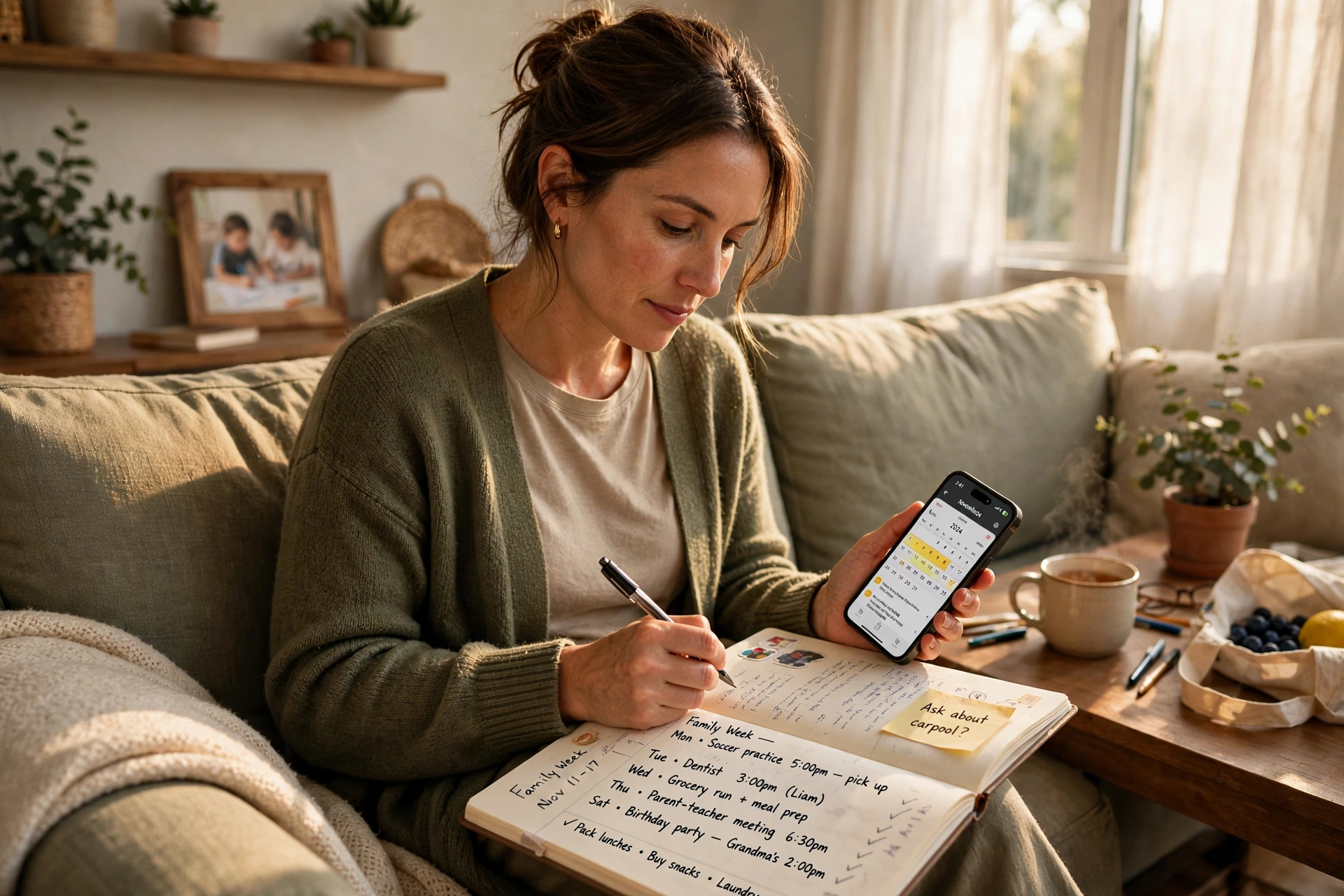
Start with the pain, not the app store. If mornings are the mess, start with a calendar app. If nights are the mess, start with a sleep tracker. If dinner is the mess, start with a meal app. One app per pain, three pains maximum, and give each one a full week before you judge it.
Check the free plan first. Most apps on this list do their core job free, and the paid plan mostly adds reports or fancier charts. Pay only when the free version has already proved itself for a month.
Quick Picks: Start Here
| When this is your problem… | Start with |
|---|---|
| Nobody knows what is happening today | 1 – Cozi Family Organizer |
| The baby will not sleep and nobody knows why | 6 – Huckleberry |
| Dinner is a 5 PM emergency | 16 – Mealime |
| The budget leaks a little every week | 21 – YNAB |
| You have not had ten minutes to yourself | 26 – Calm |
| The kids need something to listen to | 29 – Libby |
Run the Household
1. Cozi Family Organizer

Cozi is the shared family calendar that ends the question “what are we doing today?” One calendar holds everyone’s events in a different color, with shared to-do lists and a grocery list in the same place. Grandma can see the school pickup time without texting you. Free to download, with a paid plan for extra reminders.
2. Google Calendar

Google Calendar is the plain, free calendar most of us already have, and that is its whole strength. It syncs to every device in the house, sends reminders before school pickup, and lets you share a calendar with your partner so both of you see the same day.
3. Todoist

Todoist is the to-do list for moms who think in tasks, not in journals. Type “buy diapers tomorrow at 9” and it turns the sentence into a dated, timed reminder by itself. Projects keep work, house, and kids in separate lists, and the free plan covers the daily list most of us actually need.
4. Any.do

Any.do pairs a to-do list with a calendar in one view, so your tasks sit next to your day instead of in a separate app you forget to open. Its daily prompt asks you each morning what matters today.
5. OurHome

OurHome turns the chore chart into a game the kids can actually see. Assign chores, set point values, and let the kids earn rewards you choose, like picking Friday’s movie or an extra story at bedtime. It also holds a shared grocery list and a family calendar. It is free to download.
Track the Baby
6. Huckleberry

Huckleberry is the sleep app other tired parents name first. Log feeds, diapers, and sleep with one tap, and its SweetSpot feature predicts the next nap window from your baby’s own patterns instead of a generic chart. The free plan covers the logging and the predictions.
7. Baby Tracker

Baby Tracker is the simplest log on this list, and simple is the point at 3 AM. One tap starts a feeding timer, logs a diaper, or marks a nap, and the charts show the day at a glance. It tracks more than one child, syncs between caregivers, and exports a clean report you can hand to the pediatrician. It is free to download.
8. Glow Baby
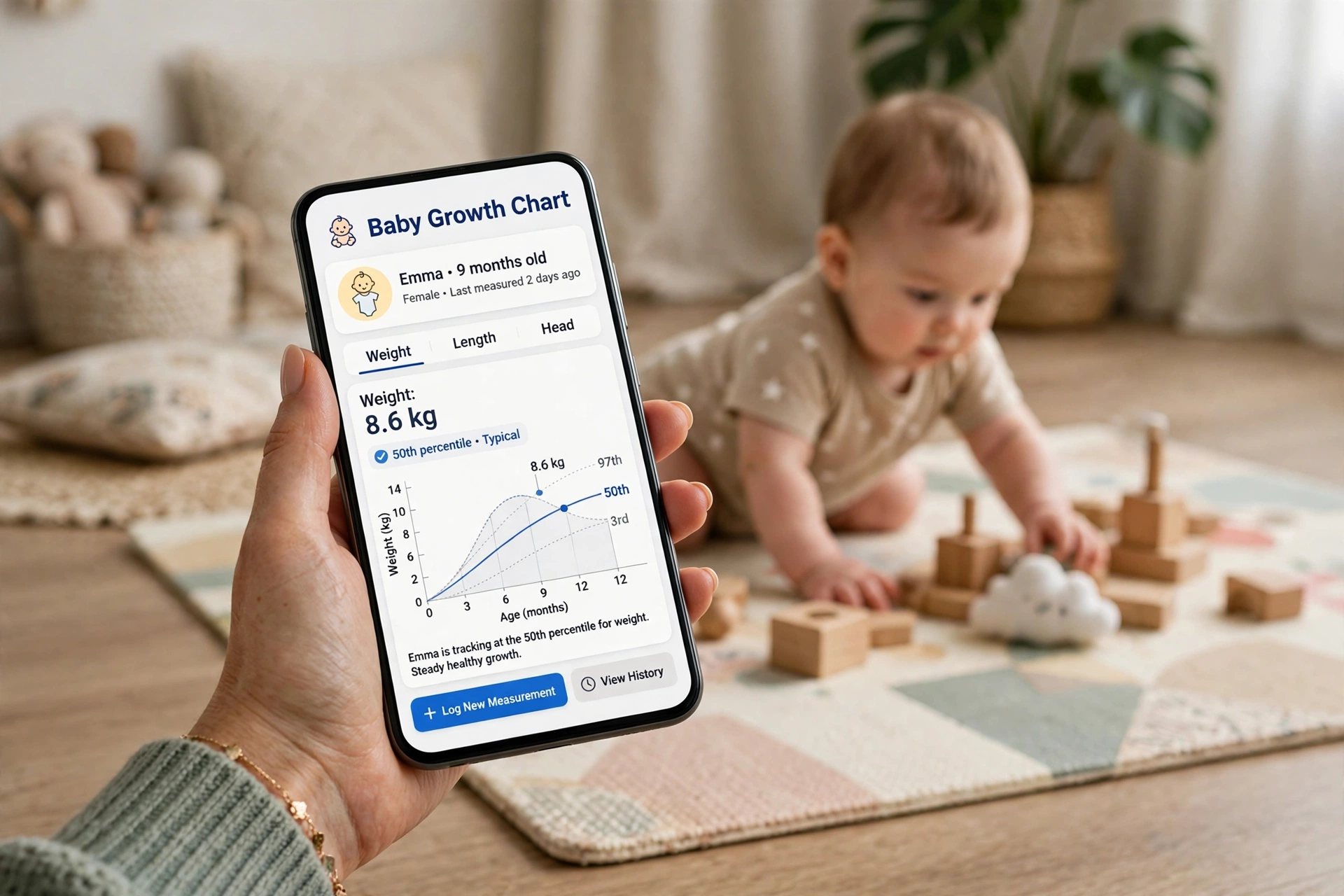
Glow Baby pairs a full activity log with growth charts that plot your baby against standard percentile curves, so the pediatrician visit stops being a guessing game. It tracks feeding, pumping, sleep, diapers, and milestones, and adds a community where you can ask other parents the question you are too tired to Google properly. Free to download.
9. Baby Daybook

Baby Daybook shows the whole day as a visual timeline, so you can see at a glance when the last feed was and how long the nap ran. It learns your baby’s patterns and predicts when tiredness is coming, which is the closest thing to a warning light a new mom gets.
10. The Wonder Weeks

The Wonder Weeks explains the weeks your baby suddenly turns fussy, clingy, and impossible to soothe. It maps ten developmental leaps on a calendar built around your baby’s due date, then tells you what your baby is learning in each leap and how to support it. It is a one-time purchase, not a subscription, and the leap alarm warns you before the storm week arrives.
Pregnancy and the First Year
11. What to Expect
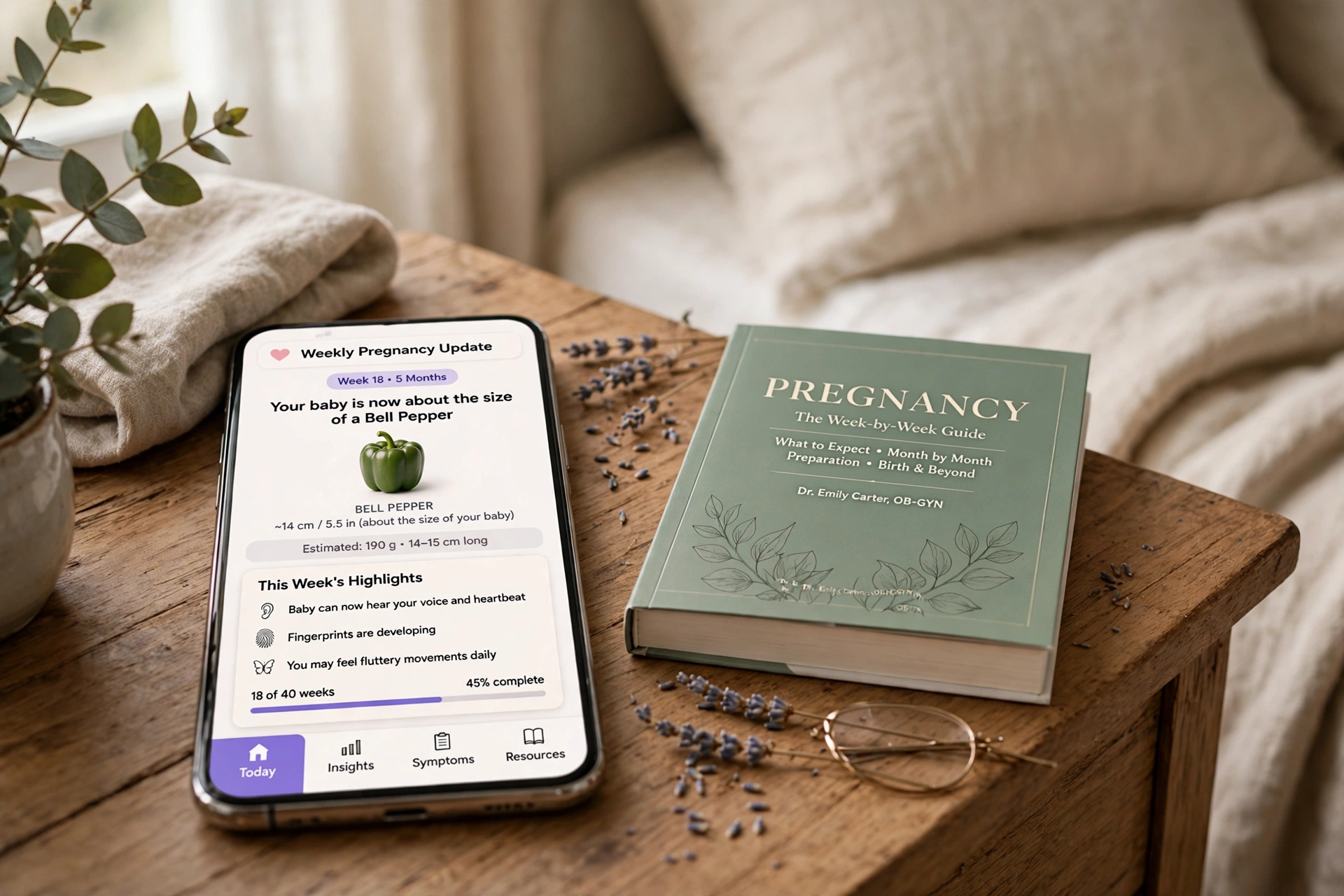
What to Expect is the app version of the book most of us already know, with week-by-week updates on your body and your baby, plus a community forum where you can ask the question you are embarrassed to ask out loud. It keeps going after the birth, switching to baby development tracking and milestone guides. Free to download.
12. Ovia Pregnancy Tracker

Ovia focuses on you, not just the baby. It tracks symptoms, food, sleep, and mood, and tells you whether a food or a medicine is generally considered safe in pregnancy, with sources you can check. The food safety lookup is the feature you will use in the grocery aisle. Free to download, and the daily check-ins take about a minute.
13. The Bump

The Bump has been on many moms’ phones since the day the test turned positive. It pairs weekly pregnancy articles with a photo album for bump pictures, a registry builder, and a community forum sorted by due-date month, so the moms answering you are in the same week you are.
14. BabyCenter

BabyCenter is the most trusted name in the parenting app world, and its app carries that weight: week-by-week development guides written with medical professionals, a symptom checker, a vaccination scheduler, and one of the largest parenting communities anywhere. The birth clubs group you with moms due the same month. Free to download, in several languages.
15. Glow Nurture

Glow Nurture is the pregnancy companion from the makers of Glow Baby, and it shares the same clean design and the same community. It tracks your pregnancy week by week, logs symptoms and appointments, and gives daily health tips that fit your stage. If you already use Glow Baby for an older child, the two apps share one account. Free to download.
Dinner and Groceries
16. Mealime

Mealime builds a weekly meal plan around your family’s tastes, allergies, and cooking time, then turns the whole plan into one grocery list. Pick your meals for the week, and the app tells you exactly what to buy and in what amount, so the store trip stops being a guessing game. The free plan covers the meal plans and the lists.
17. Paprika Recipe Manager

Paprika is where recipes go to live instead of dying in screenshots. Save a recipe from any website with one tap, and the app strips out the life story and keeps the ingredients and steps. It builds grocery lists from your meal plan, scales servings up or down, and syncs across your phone and tablet. It is a one-time purchase, not a subscription.
18. Instacart

Instacart is the grocery run you do from the couch while the baby naps. Order from your usual store, pick a delivery window, and the shopper texts you about swaps instead of guessing. It is free to download, and delivery fees and tips apply on top of the groceries.
19. AnyList

AnyList is the shared grocery list that actually stays shared. Everyone in the family adds to the same list, items sort themselves by aisle, and the list syncs instantly, so the milk your partner added at work is on your phone at the store. It also saves recipes and builds lists from them.
20. Flipp
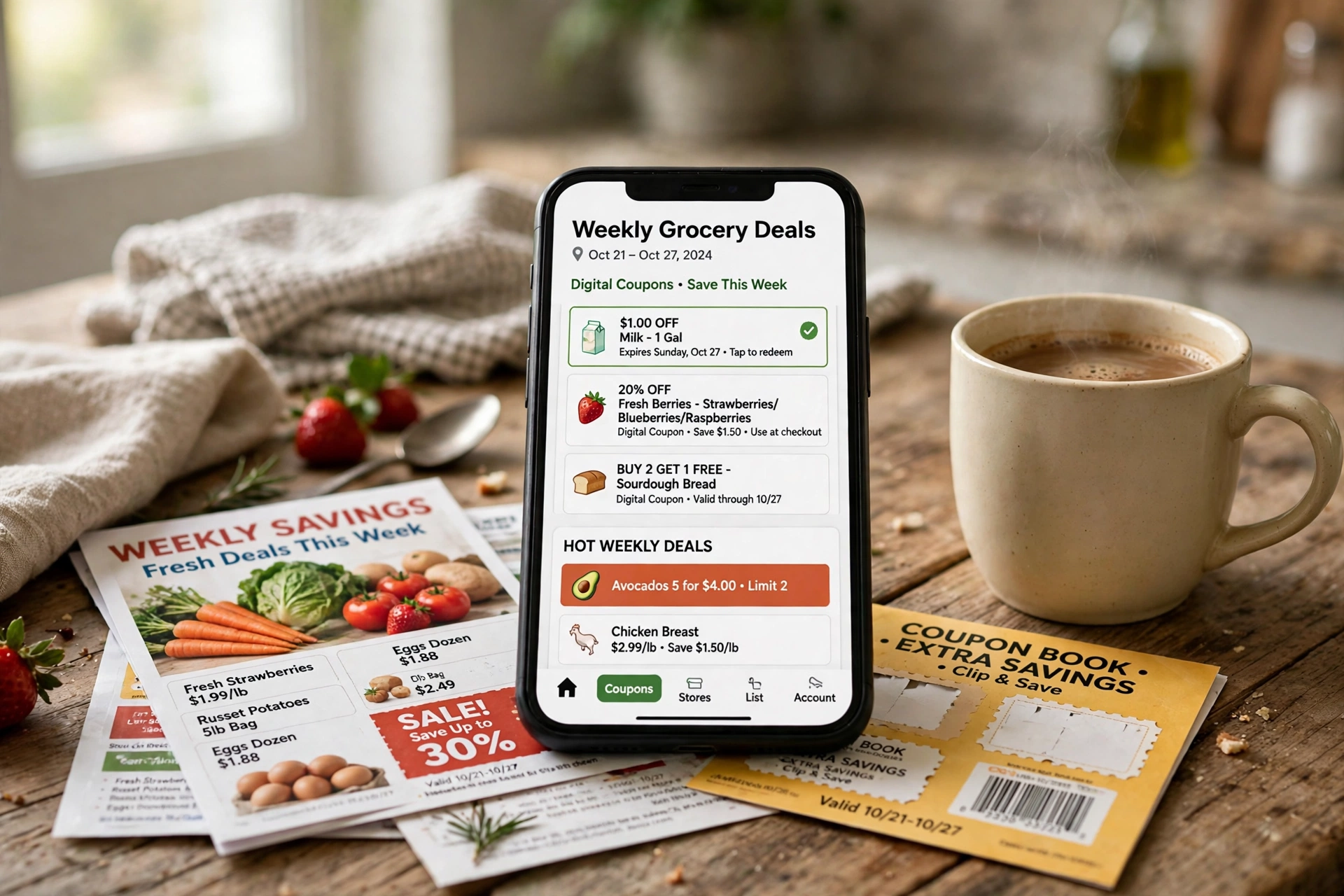
Flipp collects the weekly flyers and coupons from the stores near you, so you can see the deals before you shop instead of discovering them at the register. Search for an item and it shows you which store has it cheapest this week, and you can build a shopping list straight from the deals. Free to download.
Money In and Money Out
21. YNAB

YNAB, short for You Need A Budget, gives every dollar a job before you spend it, which is the whole method in one sentence. You assign money to categories like groceries, gas, and the kids’ shoes, and the app shows you what is left in each envelope as the month goes on.
22. EveryDollar

EveryDollar is the simpler budget app, and simpler is what survives a busy month. Build a monthly plan in about ten minutes, track spending as it happens, and see the remaining balance in each category at a glance. The free plan covers the budgeting itself, and the paid plan adds automatic bank syncing.
23. Ibotta

Ibotta pays you cash back on groceries and everyday shopping: check the offers before you shop, buy the item, and scan the receipt to claim the money. The offers cover the brands you already buy, like milk, bread, and diapers, so the savings come from your normal shop instead of from buying things you do not need. Free to download.
24. Rakuten

Rakuten gives you cash back when you shop online through its portal, at thousands of stores you already use. Start your shopping trip at Rakuten, click through to the store, and a percentage of the purchase comes back to you as cash back. It is free to download and free to join.
25. Fetch

Fetch is the lowest-effort rewards app on this list: snap a photo of any receipt, grocery or gas or pharmacy, and you earn points. No offers to clip first, no brand to hunt, just the receipt you already have. Points turn into gift cards for the stores you use most, and the habit takes about ten seconds after each shop. Free to download.
Your Time, Your People
26. Calm

Calm is the app for the mom whose brain will not switch off at night. Sleep stories read in a slow voice, breathing exercises that take three minutes, and a library of meditations for stress, focus, and the 3 AM worry spiral.
27. Headspace

Headspace teaches meditation in short, friendly sessions that start at three minutes, which is the length that fits between a diaper change and a snack request. The free plan covers the basics. Three minutes a day is a real habit.
28. FitOn

FitOn is the free workout app that fits a nap window. Workouts run from five minutes to half an hour, with post-pregnancy core routines and strength, cardio, yoga, and stretching classes led by real trainers. You need no equipment for most of them, and the living room floor is the whole gym.
29. Libby

Libby is the library in your pocket: borrow ebooks and audiobooks free with a library card, and read or listen on your phone. The audiobooks are the mom feature, because you can listen while you fold laundry or wait in the pickup line. The CozyPhones Kids Headphones are the volume-limited kind made for small ears, with a soft headband instead of hard plastic.

CozyPhones Kids Headphones
Volume-limited headphones made for small ears, with a soft headband instead of hard plastic, so the kids can listen to their Libby audiobooks while you drive in peace.
30. Tinybeans
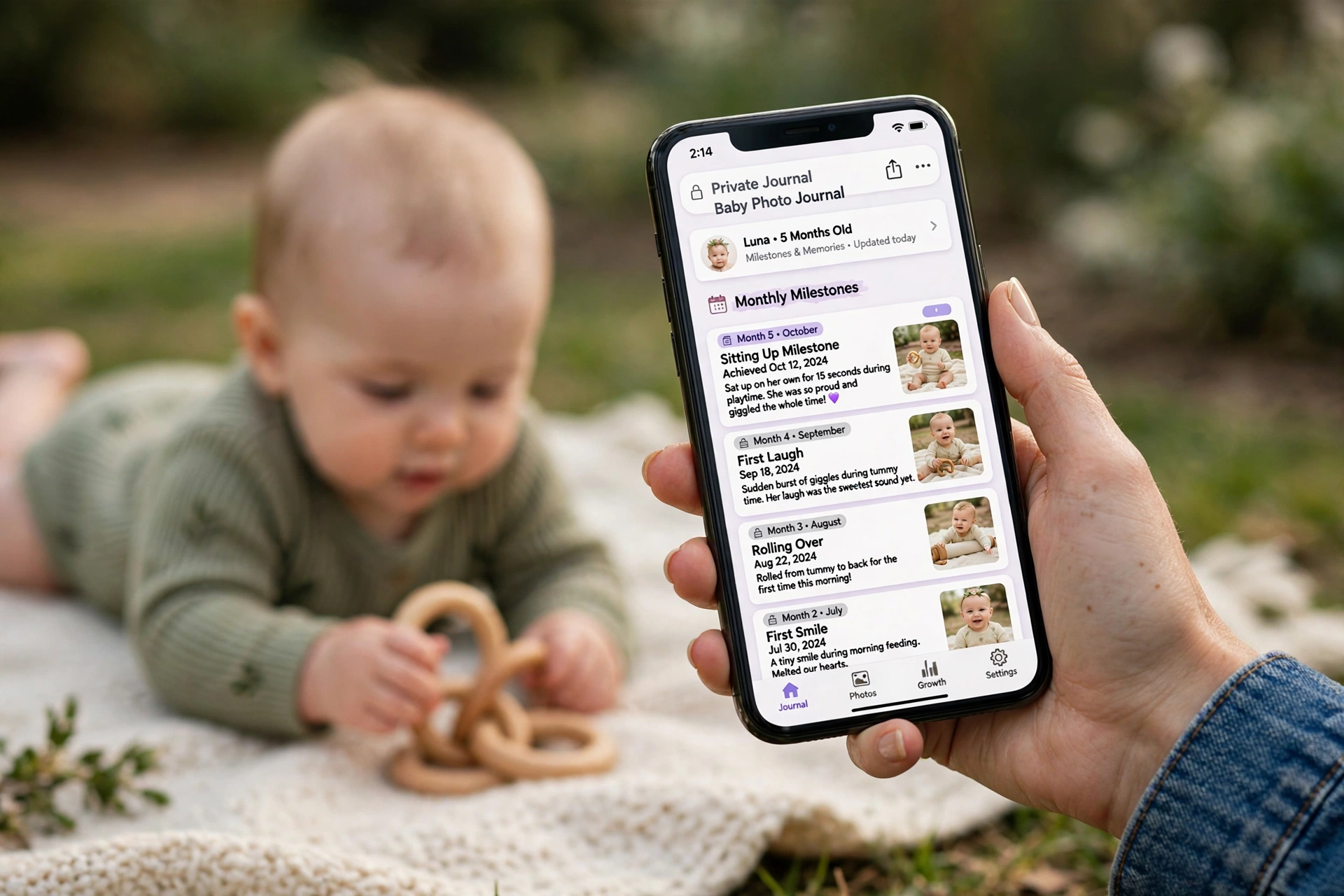
Tinybeans is the private baby book that replaces the group chat full of photos nobody can find later. Log photos, milestones, and firsts in a dated journal, and share it only with the family you choose. And when a photo deserves to leave the phone, an instant camera like the Fujifilm Instax Mini 12 prints a little copy on the spot, so the fridge gets the milestone the same day it happens.

Fujifilm Instax Mini 12 – Lilac Purple
Prints a little photo on the spot, so the milestone in Tinybeans becomes a print on the fridge the same day. Credit-card-size prints that develop in about 90 seconds.
Shop This Post
These are the only two things to buy in this whole guide, and both of them pair with an app above, not with a wish list.
| Product | Used For | Price |
|---|---|---|
| CozyPhones Kids Headphones | Kids’ audiobooks on Libby (29) | Check Price |
| Fujifilm Instax Mini 12 – Lilac Purple | Printing Tinybeans milestones (30) | Check Price |
Want the Whole Phone Setup in One Pack?
I am putting these 30 apps into a Mom Phone Setup Pack: all 30 apps here plus 10 more, with a setup checklist for each group and a one-page family phone agreement, 40 apps in all. No link or price here yet, this is the pack I am building next.
Frequently Asked Questions
Which three apps should a new mom download first? Huckleberry for sleep tracking, Cozi for the family calendar, and Tinybeans for the baby book. Those three cover the night, the day, and the memories, and each one does its job on the free plan.
Are these apps really free? Every app on this list is free to download, and most do their core job on the free plan. A few have paid plans, and two are one-time purchases instead of subscriptions. Check the app’s own listing before you pay for anything, because prices and plans change.
Will these apps work on both iPhone and Android? All 30 apps listed here are available on both iPhone and Android, with the same account working across both. A few also have a web version for planning meals or checking the budget on a bigger screen.
How do I stop apps from taking over my day? Pick three, turn off every notification except the ones that protect sleep or pickup time, and check the apps at set moments instead of all day. Our Self Care Ideas for Moms guide has ten-minute resets that pair well with the calm apps here.
What if my partner will not use a family app? Start with the one that helps him most, usually the shared calendar or the shared grocery list, and let him see the benefit before you ask for more. The Marriage Advice For New Parents guide has the longer version of that conversation.
Start With Three
Thirty apps is a lot, and you do not need thirty apps. You need three, the three that fix the three messiest hours of your week, used every day for a month until they feel like part of the house. The rest of this list is a shelf, not a shopping list.
Your phone is allowed to be a tool instead of a judge. Delete the apps that make you feel behind, keep the ones that hand you back time