Thanksgiving iPhone Wallpapers: 9 Grateful Autumn Designs
My lock screen is the single thing I look at most in my house. Not the fridge note, not the whiteboard calendar, the phone. A hundred small glances a day, at least. When November rolls in with its golden light and its chaos, that screen deserves better than the accidental parking-lot photo I’ve been carrying since March.
These 9 Thanksgiving iPhone wallpaper ideas are the whole grateful-autumn menu: warm harvest scenes for the days you feel sentimental, cute designs the kids will point at, elegant lettering that says it all in two words, and two after-dark looks for the quiet hours. Every one comes with the details that actually matter: which screen it belongs on, how the colors behave under your clock, and the exact search phrase to find the look free.
One promise up front: everything here is a design idea, not a download. No attachments, no files to unzip. I describe each look, hand you the search phrase, and show you how to set it in about a minute. Nobody is promising files that don’t exist.
Heads up: this post contains affiliate links. If you buy through them, MamaKinder may earn a small commission at no extra cost to you, which keeps these guides free.
Quick Picks: Which Wallpaper Tonight?
| If this is you… | Start with |
|---|---|
| You want the classic Thanksgiving feeling in one glance | #1 Golden Pumpkin Patch (the harvest postcard) |
| The kids borrow your phone and tap everything | #5 The Friendly Turkey (cute enough for a 2-year-old) |
| You need a calm background behind fifty app icons | #6 Falling Leaves Close-Up (soft blur, zero icon chaos) |
| Two words say your whole November mood | #4 Gratitude Quote Lettering (thankful, grateful, or blessed) |
| You host dinner and want the table as your lock screen | #7 The Thanksgiving Table (your spread, glowing) |
| After-bedtime phone checks should feel quiet | #9 Starry Harvest Night (deep sky, soft clock glow) |
One Honest Note About “Free”
Let’s clear this up, because “free wallpaper” posts fall into two camps and only one is honest. Some sites host real downloadable files. The honest ones state the resolution and whether the design is free for personal use only.
The other camp is just mood boards: roundups that say “download it now!” with nothing to download. You tap the image and it saves as a postage-stamp thumbnail.
This guide is the third kind, and the only one I’d run on my own blog: nine distinct design directions, each with the exact search phrase to find it free, in a wallpaper app, a Pinterest search, or a free photo library like Unsplash or Pexels. Every idea also says whether it belongs on your lock screen, your home screen, or both. A wallpaper that fights your clock and your forty-seven app icons is not a freebie, it’s a daily annoyance.
Lock Screen vs Home Screen: The 30-Second Rule
The two screens do different jobs. Think of your lock screen as a poster and your home screen as a desk: the poster can be bold, the desk needs breathing room.
Lock screen: This is where the art lives, the big pumpkin, the glowing table, the smiling turkey. Busy is fine; the clock floats on top and notifications slide over the rest. The one rule: keep a calm, darker area in the top third so the time stays readable.
Home screen: This is where your apps live, so the art has to be quieter, an empty middle, a dark sky, a blurred background. If your favorite Thanksgiving design is too busy, set it as the lock screen and pair it with a calm crop of the same palette for the home screen. Same autumn mood, different energy: it reads as intentional instead of accidental.
The mom test: glance at it with a screen full of unread messages. If you can still read the clock and find the phone app, it passes. Wallpapers are decoration; the phone is a tool first.
The 9 Grateful Autumn Designs
Harvest & Hearth
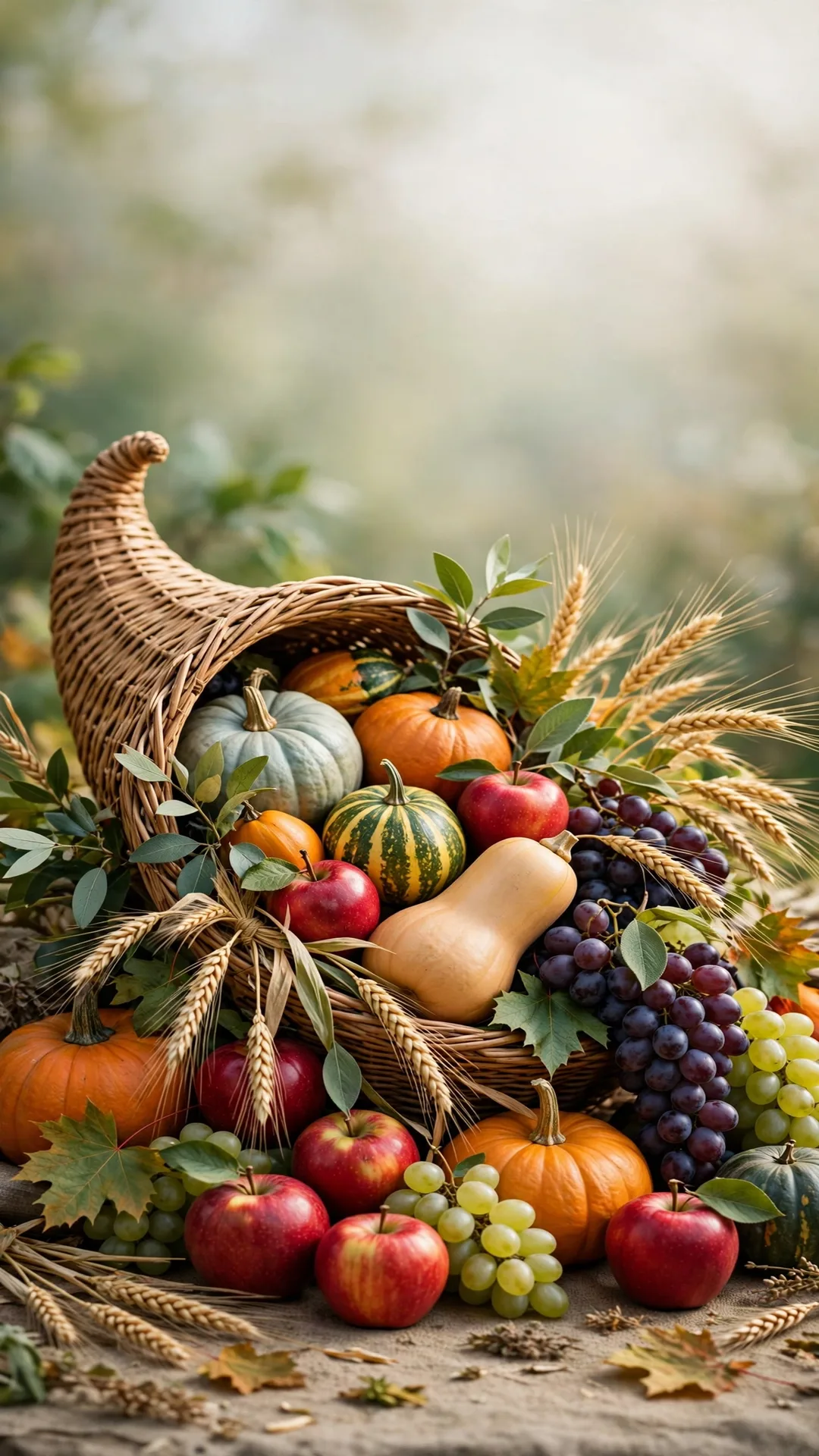
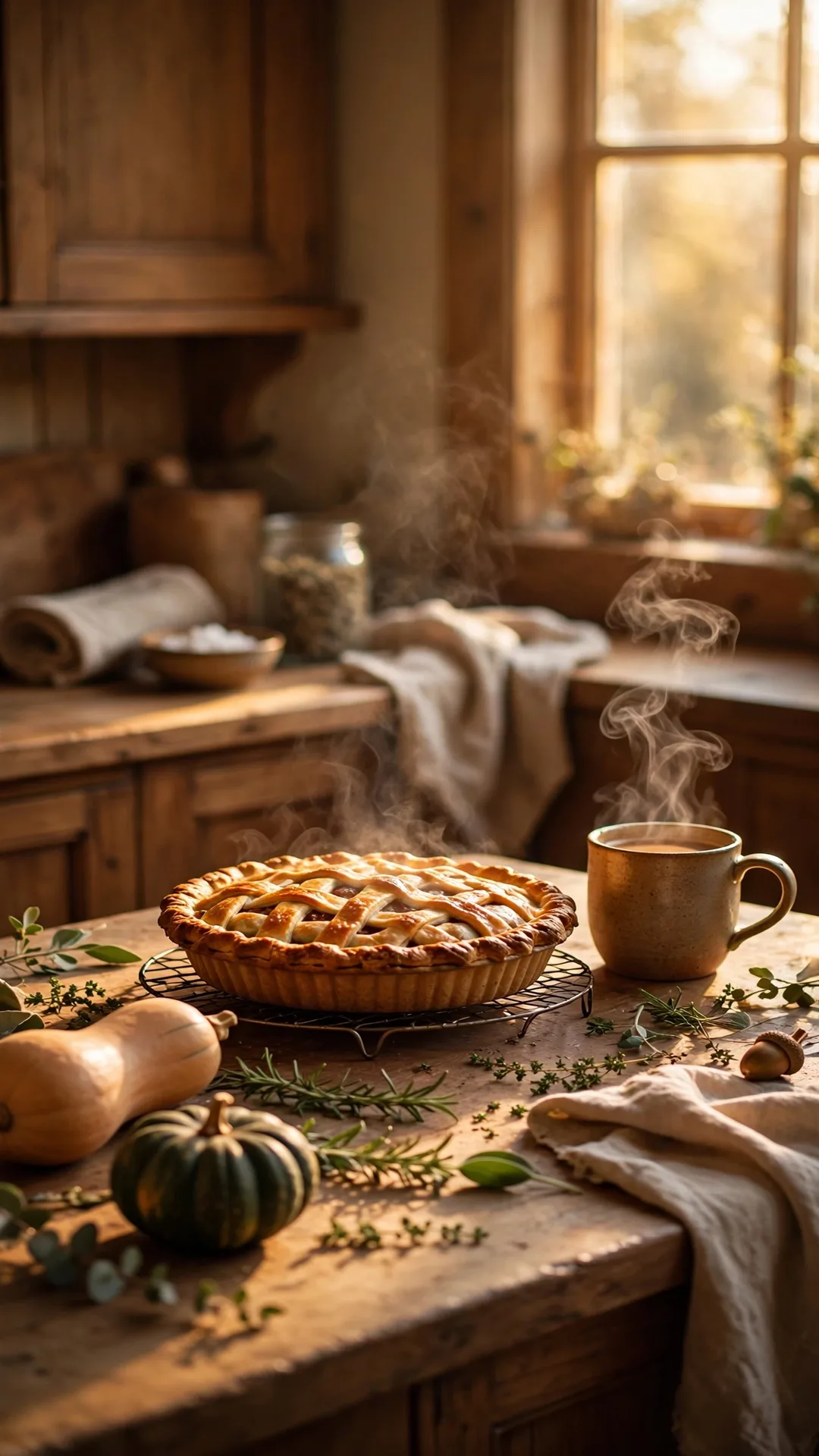
The warm set: pumpkins, harvest abundance, and the cozy kitchen glow that says November.
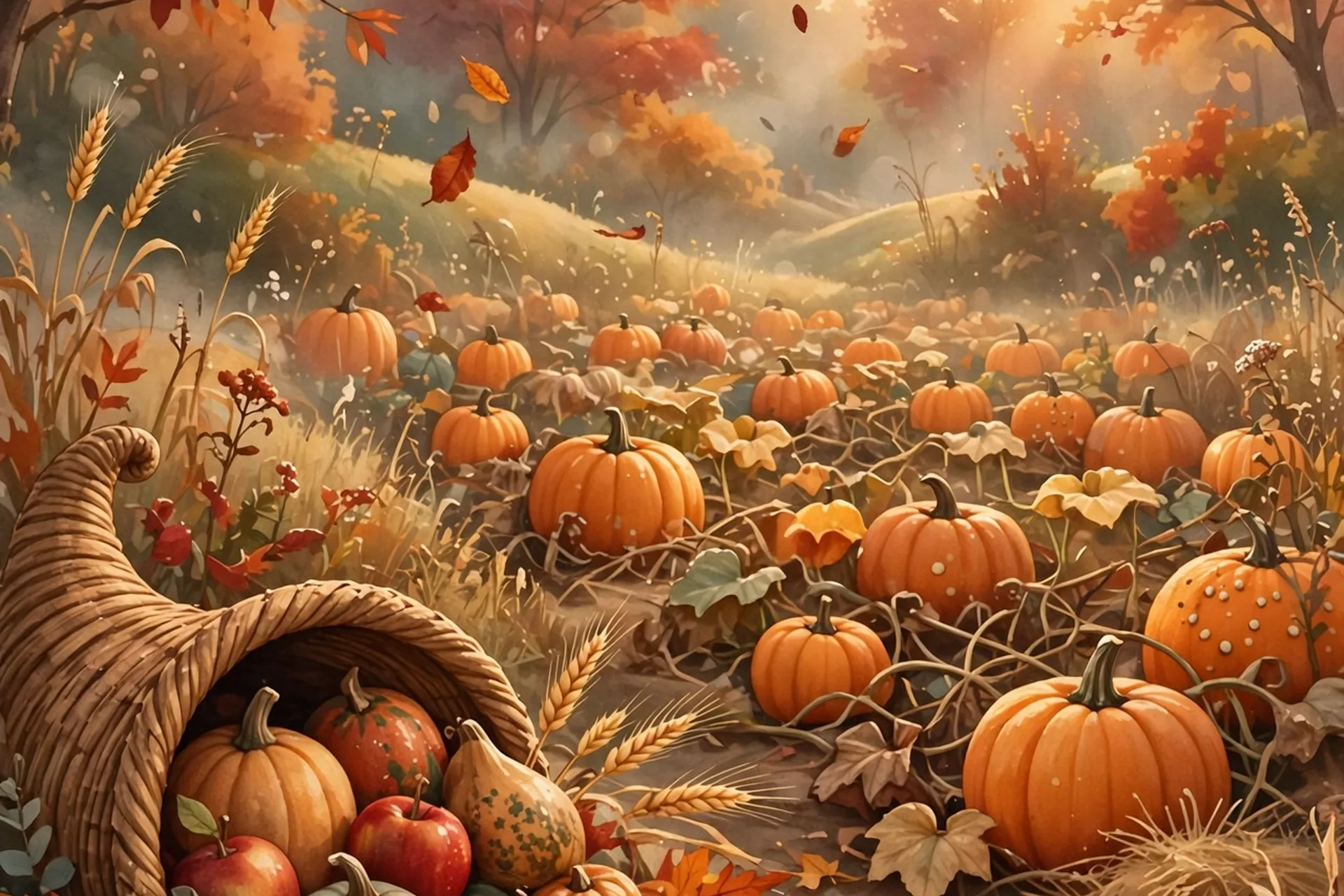
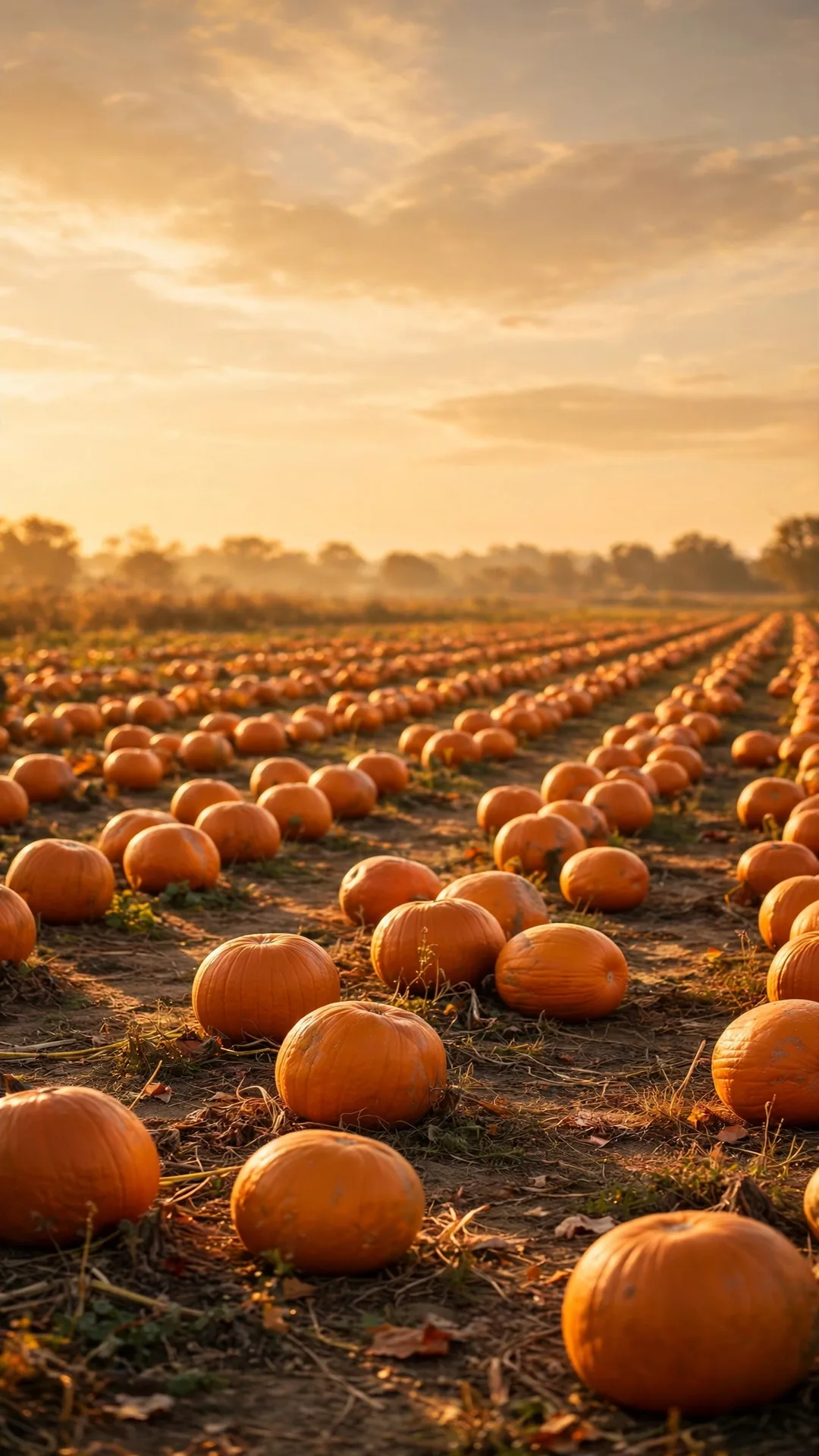
1. Golden Pumpkin Patch
The vibe: A pumpkin patch glowing at golden hour, rows of pumpkins warming up under a soft amber sky. The classic Thanksgiving feeling in one image.
Colors: Harvest gold, burnt orange, and a soft cream sky. Warm enough to feel like a hug from the phone.
Best on: Lock screen. The patch anchors the bottom half; the open sky leaves room for the clock.
Find it free: Search “pumpkin patch golden hour iphone wallpaper”. It is one of the most photographed autumn scenes online, and free photo libraries are full of it.
2. The Harvest Cornucopia
The vibe: The horn of plenty, overflowing with gourds, apples, grapes, and wheat. The oldest Thanksgiving symbol there is, and it still works.
Colors: Deep reds, squash oranges, wheat gold, and green leaves. Rich and traditional.
Best on: Lock screen, with the cornucopia in the lower two-thirds so the clock sits in open sky. The curve of the horn naturally frames the time.
Find it free: Search “cornucopia harvest thanksgiving wallpaper phone” or “horn of plenty autumn iphone background”.
3. Cozy Thanksgiving Kitchen
The vibe: A warm kitchen scene, pie cooling on the counter, steam rising from a mug, squash and herbs scattered in golden light. For the cook in the house, this one is a love letter.
Colors: Honey, amber, and warm wood brown. The calmest palette in this guide.
Best on: Home screen. The soft glow keeps every app icon readable, and it looks like home every time you unlock.
Find it free: Search “cozy thanksgiving kitchen autumn wallpaper iphone” or “pie cooling fall kitchen phone background”.
Warm Words & Sweet Friends
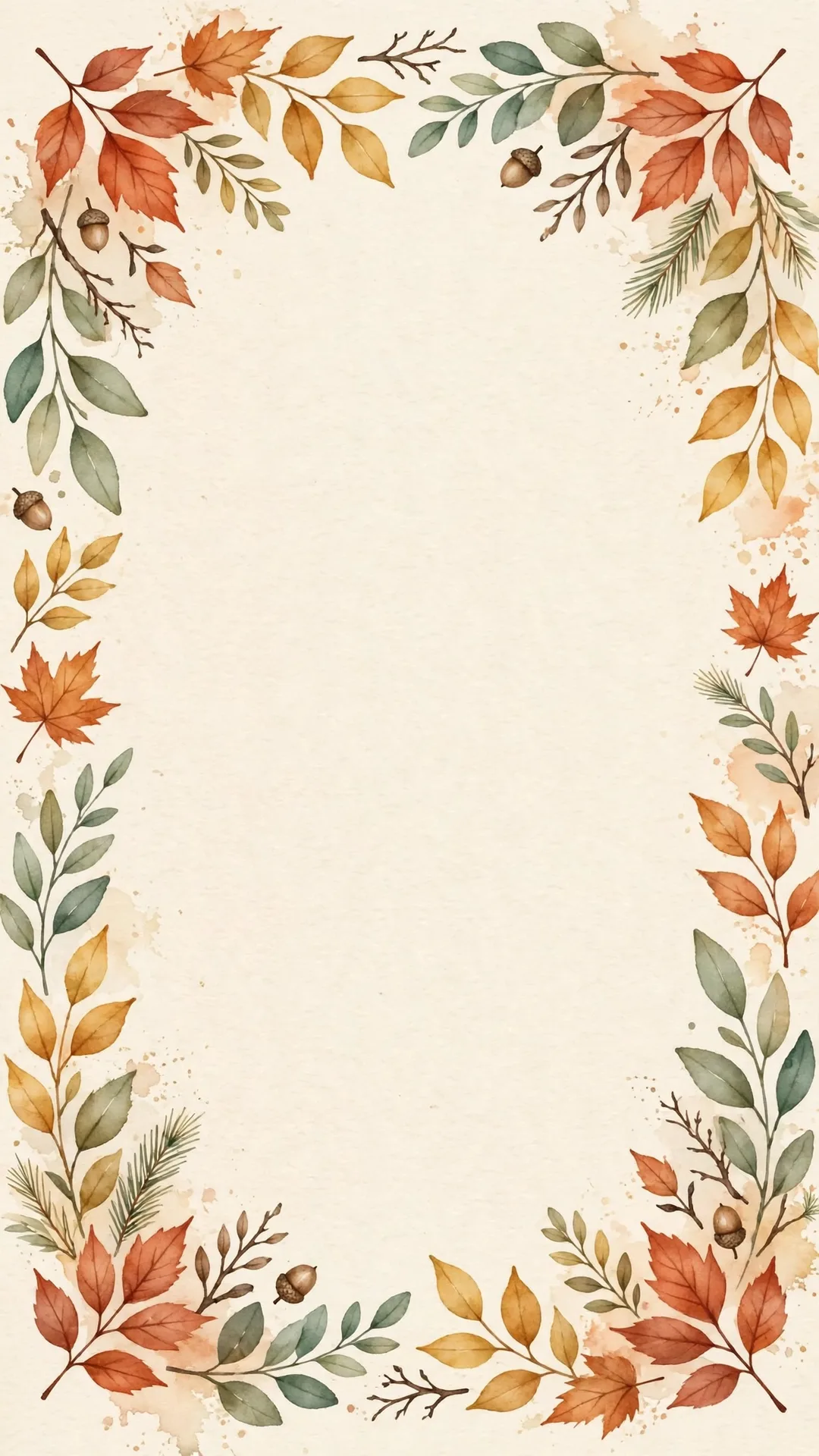
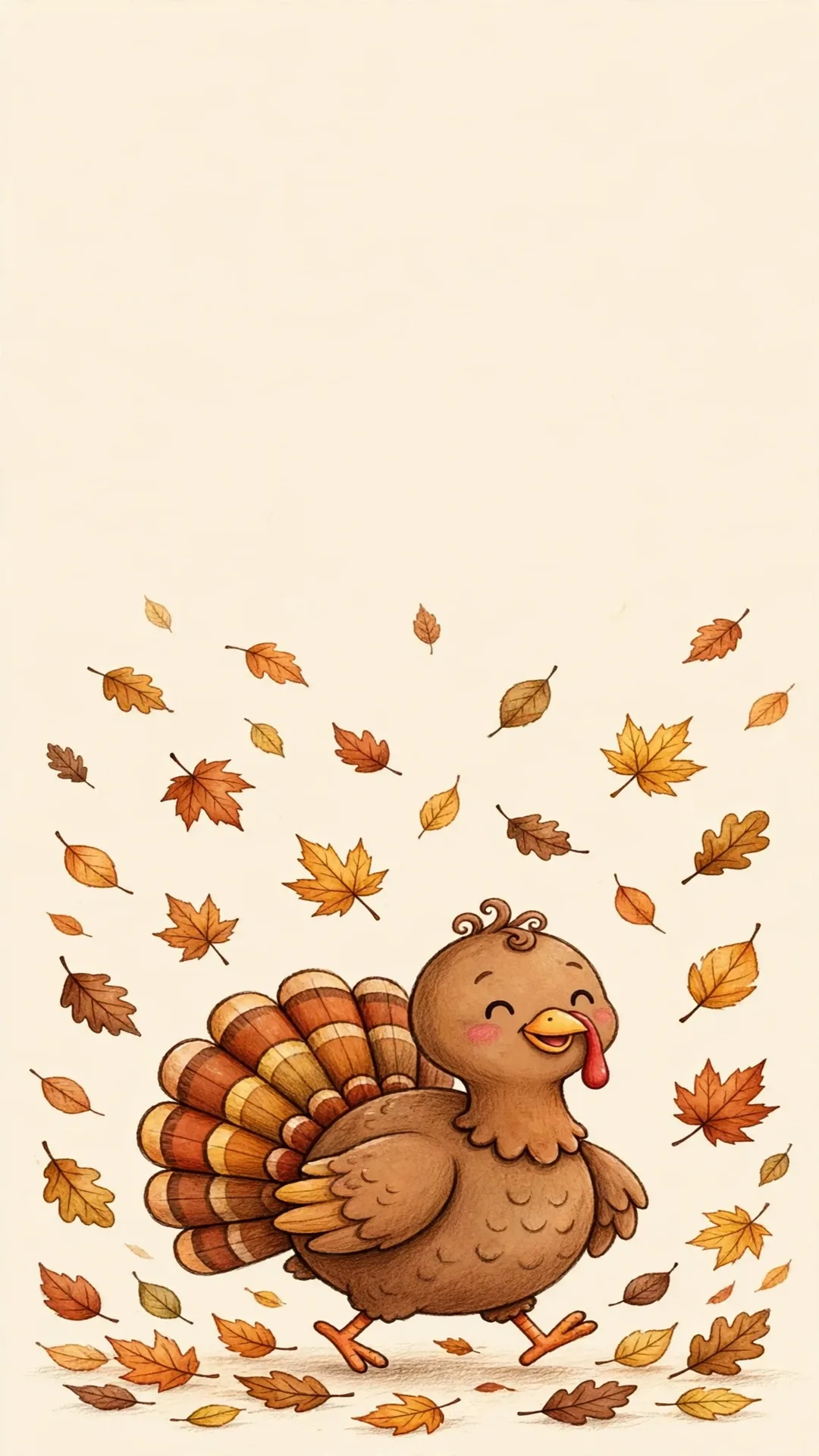
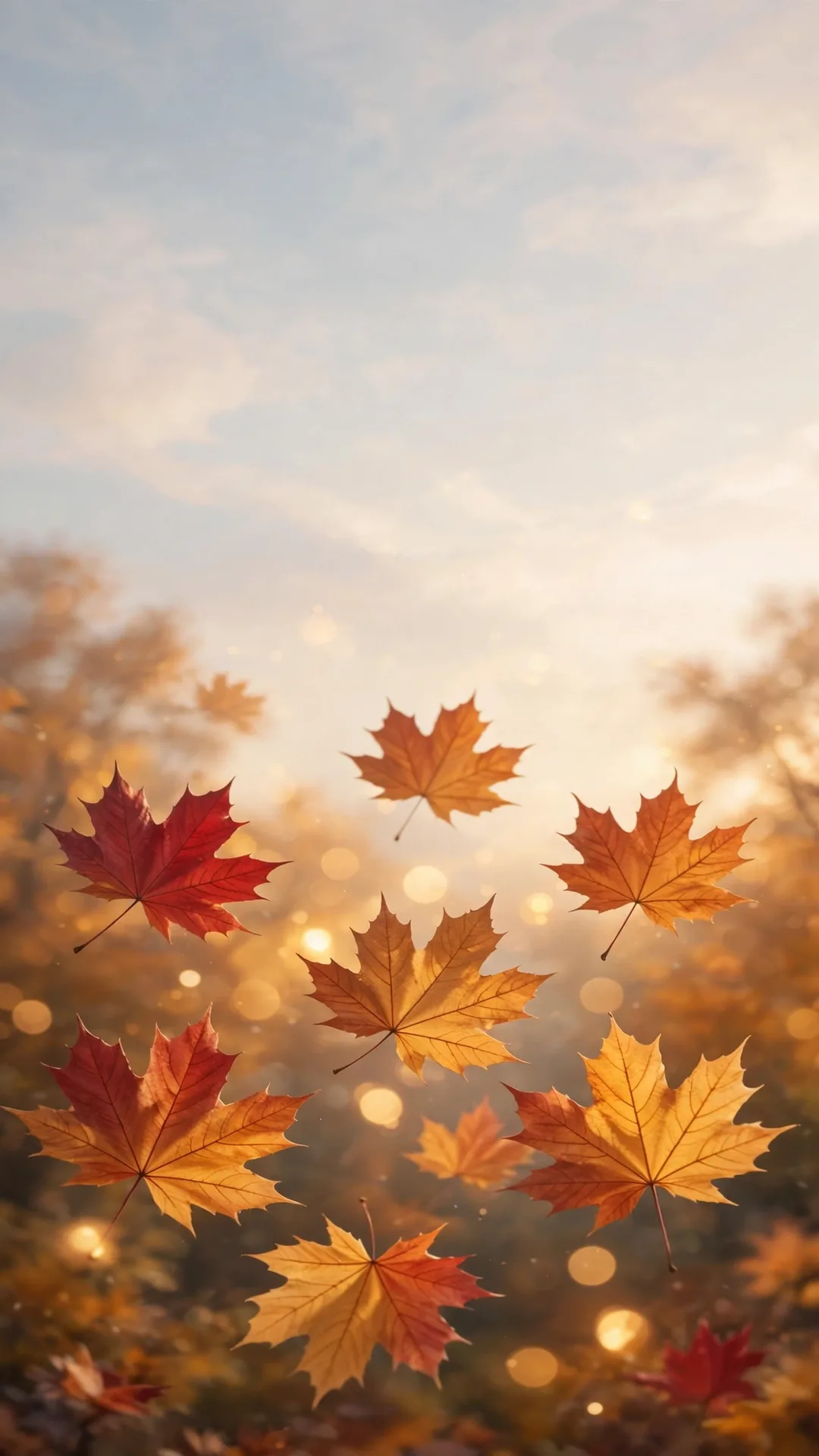
Lettering, a friendly turkey, and soft leaves. This is the set the kids will tap and grin at.
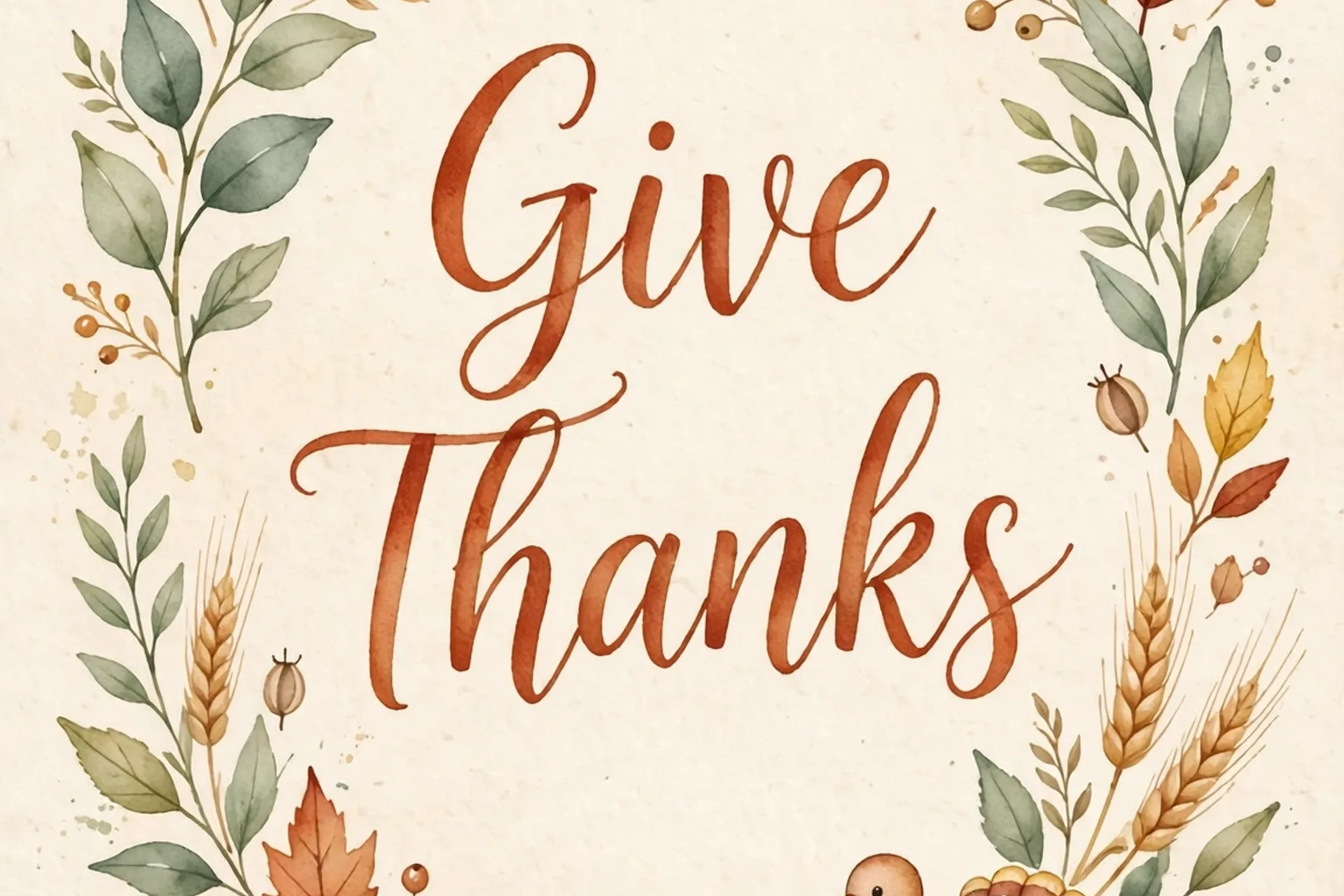
4. Gratitude Quote Lettering
The vibe: Elegant hand lettering on warm paper: “Give Thanks”, “Grateful”, or “Blessed”, ringed by watercolor leaves and wheat sprigs. Two words that carry the whole holiday.
Colors: Terracotta, gold, and sage on cream. Quiet and classy, never loud.
Best on: Either screen. The lettering sits center with leaves at the edges, so it survives both the clock and a busy home screen. Pick the light version for home screens and the darker one for lock screens.
Find it free: Search “grateful hand lettering fall wallpaper iphone” or “give thanks autumn phone background”.
5. The Friendly Turkey
The vibe: A cute, round, smiling turkey in illustration style, waddling through falling leaves. The one your 4-year-old will ask about every single day.
Colors: Warm browns, rust, and gold with a soft cream background. Cheerful without being loud.
Best on: Lock screen, the family phone especially. It passes the two-year-old test with flying colors: nothing startling, just a happy bird.
Find it free: Search “cute turkey thanksgiving wallpaper iphone” or “cartoon turkey fall phone background”.
6. Falling Leaves Close-Up
The vibe: Big soft maple leaves drifting against a blurred autumn sky, warm bokeh glowing between them. Autumn as a feeling, no symbols needed.
Colors: Crimson, gold, and amber with a soft-focus glow. The most grown-up of the set.
Best on: Home screen, the best pick in this guide. The natural blur behind the leaves keeps every app icon readable, and the warm bokeh flatters any icon color.
Find it free: Search “falling autumn leaves bokeh iphone wallpaper” or “maple leaves fall phone background”.
Golden Hour & Starry Skies
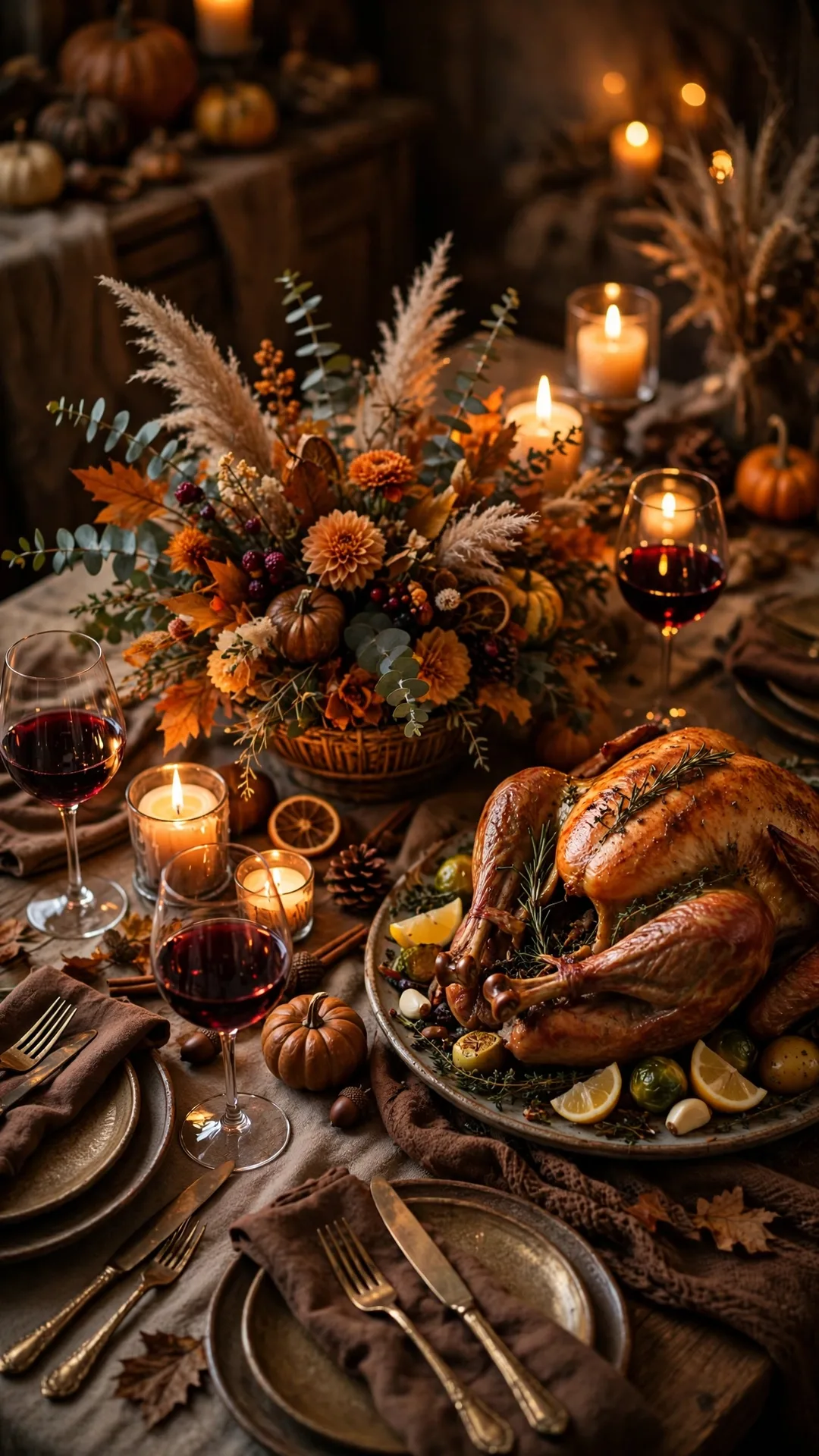
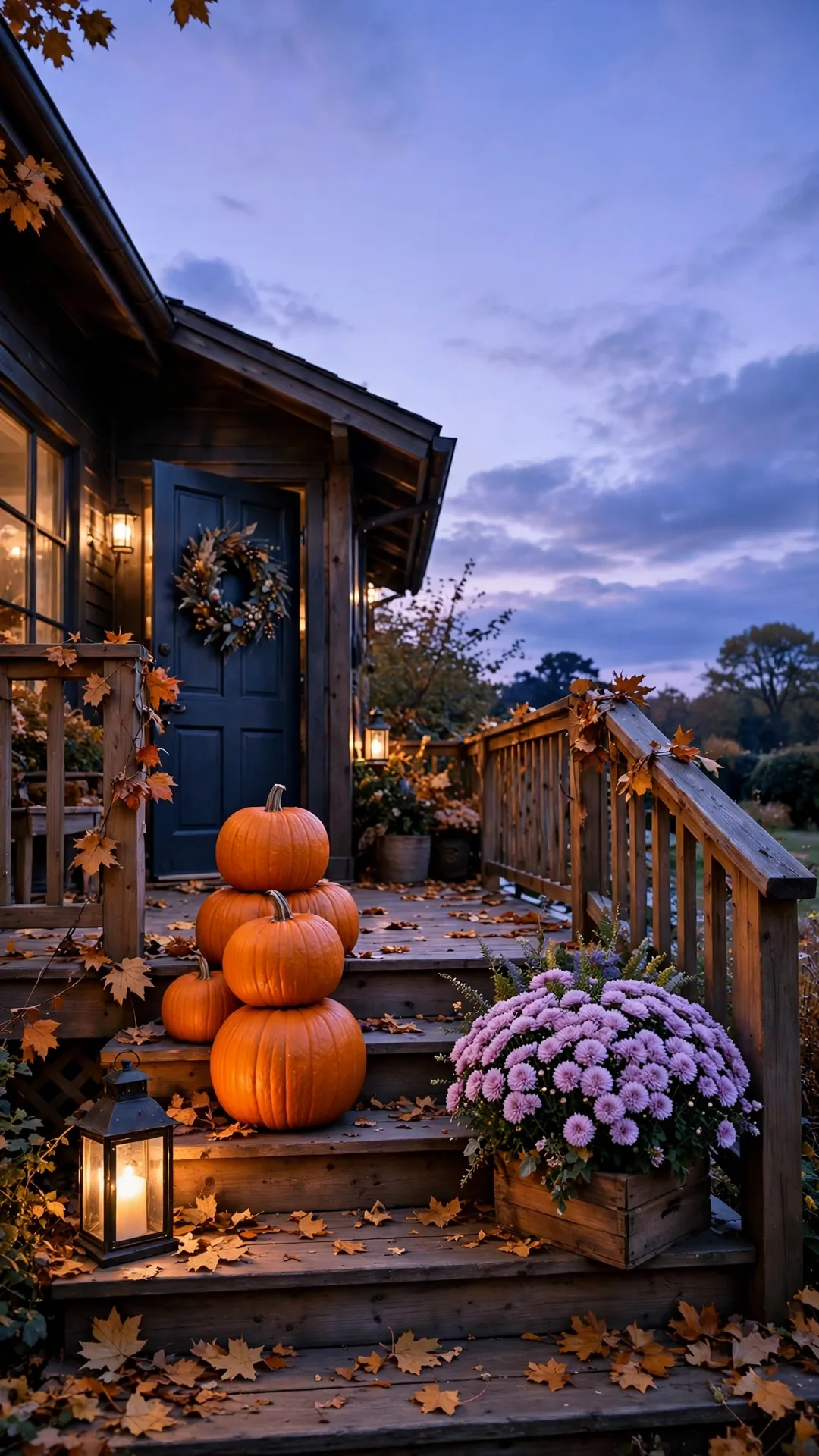
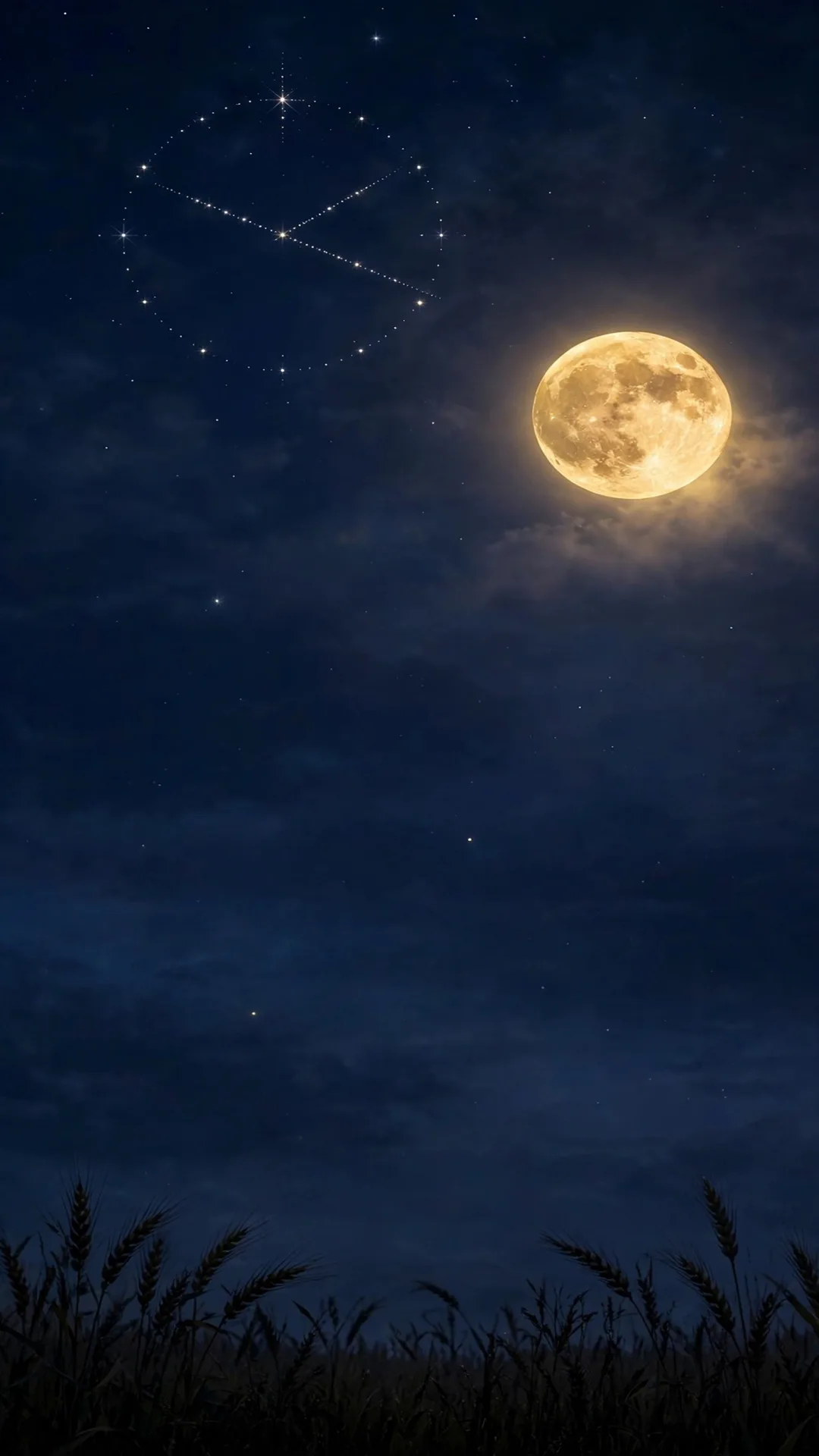
The dramatic set: the dinner table, the porch at dusk, and the quiet night sky for after bedtime.
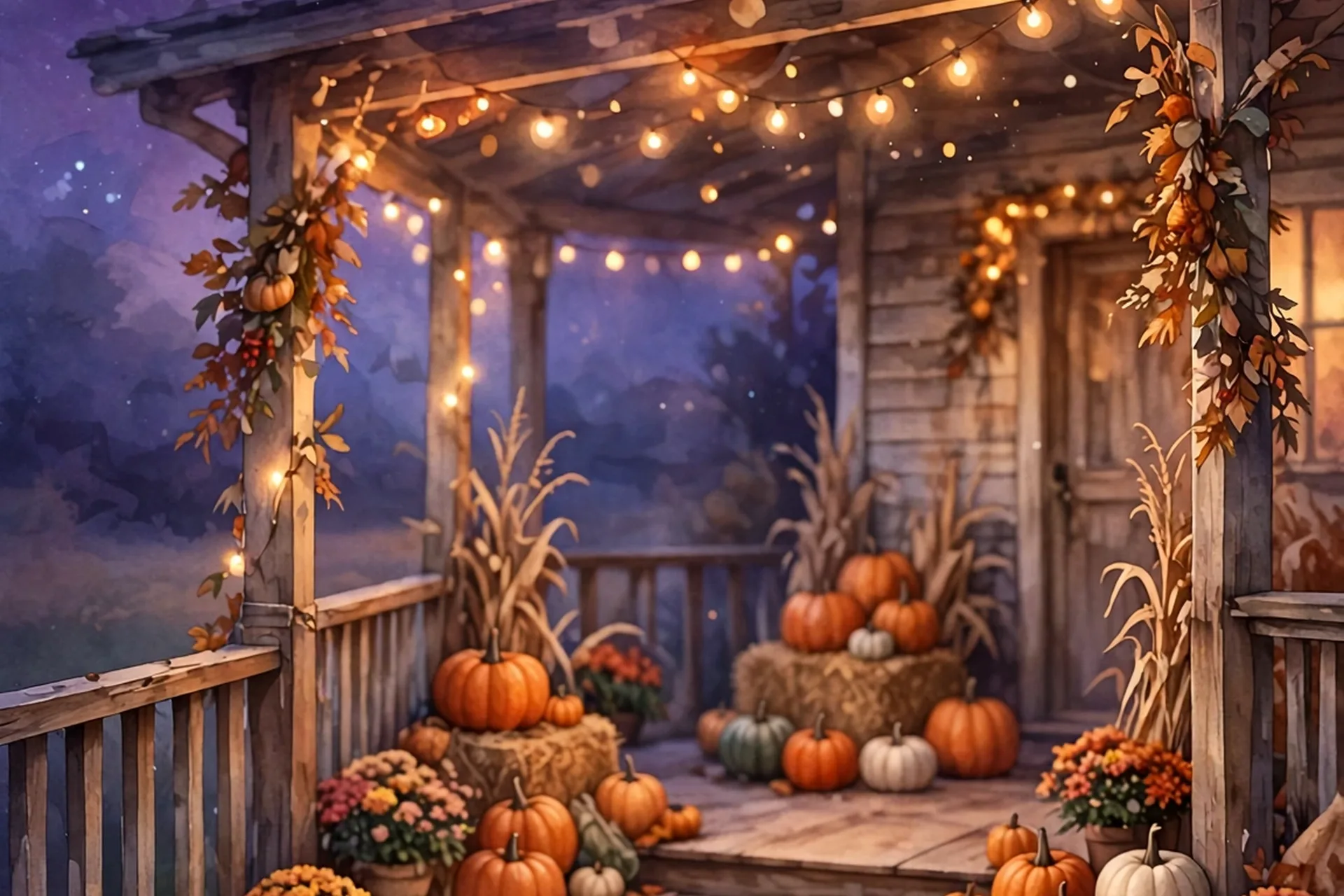
7. The Thanksgiving Table
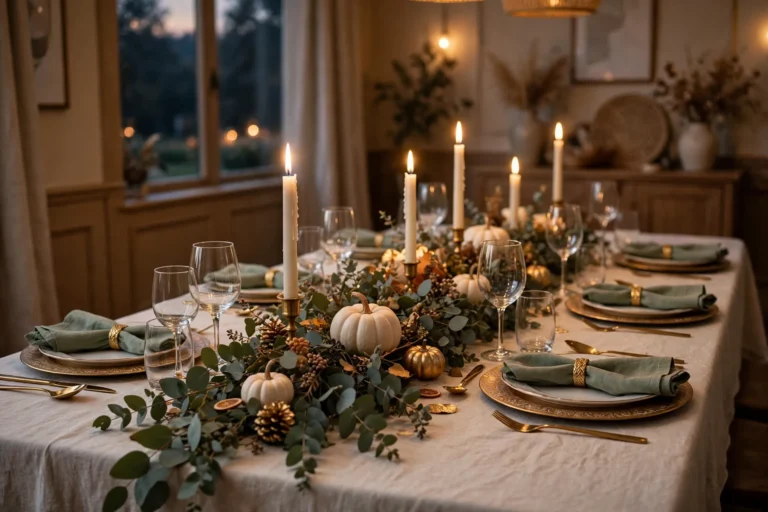
The vibe: The whole holiday on one screen: a candlelit table, the roast glowing, autumn flowers down the center, wine glasses catching the light. If you host, this is your wallpaper the week of.
Colors: Candlelight amber against deep table browns, with green and gold from the centerpiece. Rich and welcoming.
Best on: Lock screen. The table fills the bottom two-thirds; the warm dark above cradles the clock. Photograph your OWN table before everyone sits down, and you have a wallpaper nobody else owns.
Find it free: Search “thanksgiving dinner table candles wallpaper iphone” or photograph your own table (see the DIY note below).
8. Autumn Porch at Dusk
The vibe: Pumpkins stacked on porch steps, a lantern glowing, mums in a crate, the sky going lavender-blue behind it all. The welcome-home wallpaper.
Colors: Pumpkin orange against dusk blue and lantern gold. The blue-orange contrast reads beautifully on any iPhone.
Best on: Lock screen first, home screen second. The steps anchor the bottom; the dusk sky above stays calm for the clock and quiet behind icons.
Find it free: Search “autumn porch pumpkins dusk iphone wallpaper” or “fall front porch lantern phone background”.
9. Starry Harvest Night
The vibe: A deep indigo night sky, a glowing harvest moon, wheat silhouettes at the bottom, a few early stars. The quietest wallpaper in this guide, for the phone you check after the house goes still.
Colors: Deep blue-purple with a warm gold moon. iPhone screens are OLED, so the dark sky looks ink-deep and the moon glows against it.
Best on: Lock screen. The dark top is a natural shelf for the clock, and the wheat anchors the bottom. The most peaceful after-bedtime screen you will own.
Find it free: Search “harvest moon night sky iphone wallpaper” or “starry autumn night phone background”.
The DIY Bonus: Photograph Your Own
Your camera roll already holds the best wallpaper in this guide. Before everyone sits down on Thanksgiving, step back from your own table and take the shot:
- Wait for the candles to be lit and the food to be out, that is the golden moment.
- Stand back and shoot vertically, table in the lower two-thirds, a little wall or window above.
- Tap the screen to focus on the centerpiece, then slide the brightness slightly down so the candlelight glows instead of blowing out.
- Crop out the clutter at the edges, keep the turkey or the centerpiece as the hero, and set it as your lock screen (steps below).
A wallpaper you made yourself hits different. Nobody else on earth has your lock screen, group chat included. And next November, that photo is a time capsule: the table, the dishes, the people who were there.
How to Save and Set Any of These (iPhone, 1 Minute)
Whatever design you picked, getting it on the phone takes about a minute:
- Save the image to Photos, tap and hold the full-size image, then Add to Photos. (Use the original file, not a screenshot or a chat-app forward, both compress it.)
- Faster route: long-press the lock screen itself, tap the plus at the bottom, then Photos, and pick the image.
- Or go to Settings → Wallpaper → Add New Wallpaper → Photos and pick the image.
- Pinch and drag so the subject sits below or beside the clock, not under it.
- Tap Add, then choose Lock Screen, Home Screen, or both.
Turn Perspective Zoom off if the art looks soft; for Depth Effect, pick one sharp subject (design #9’s harvest moon is perfect) so the clock tucks behind it. If you use a photo of your own table, the Perspective Zoom toggle is what keeps the centerpiece crisp.
Sizing Notes: Why These Numbers Matter
Your iPhone screen is tall and narrow, roughly a 19.5:9 ratio. Native wallpapers for recent iPhones sit around 1170×2532, 1206×2622, or 1320×2868 pixels, depending on the model. The rule is simple: start big and let the phone crop down. A high-resolution 9:16 image keeps details sharp; a small compressed save turns to mush the moment you zoom.
That is also why the Pinterest pins for this guide are 1000×1500. Pinterest’s own format is a 2:3 ratio, which is shorter and wider than a phone screen. A pin that fits Pinterest perfectly would leave blank bands on your lock screen, and a phone wallpaper would get awkwardly cropped on Pinterest. Different jobs, different shapes.
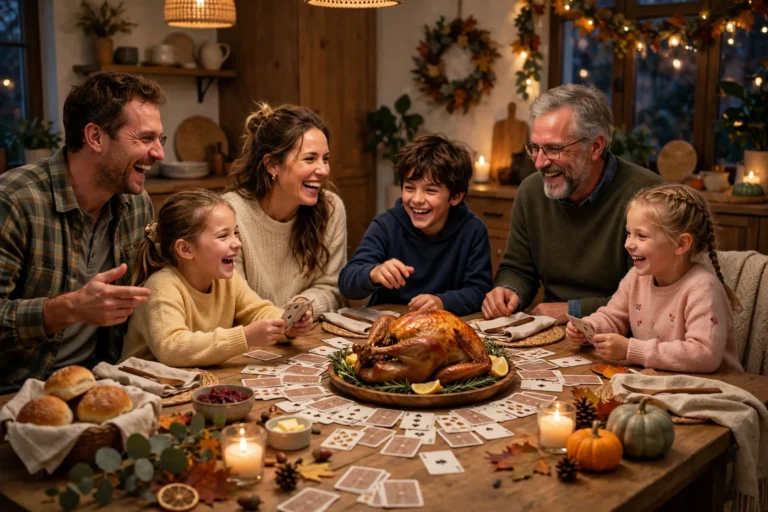
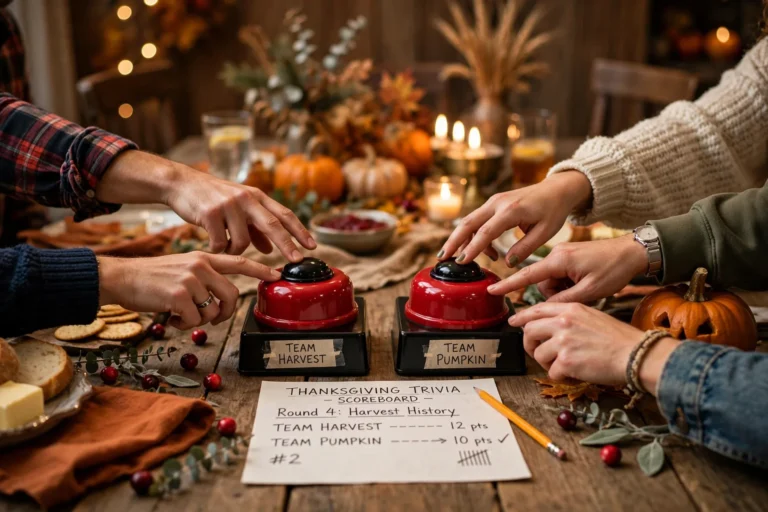
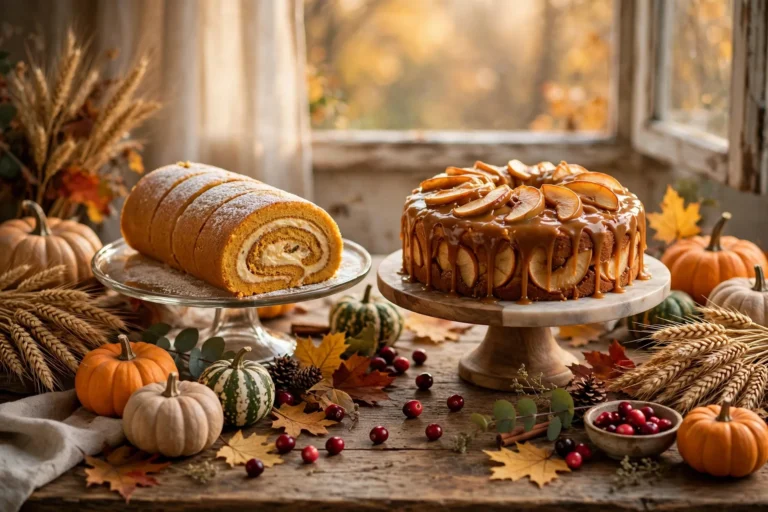
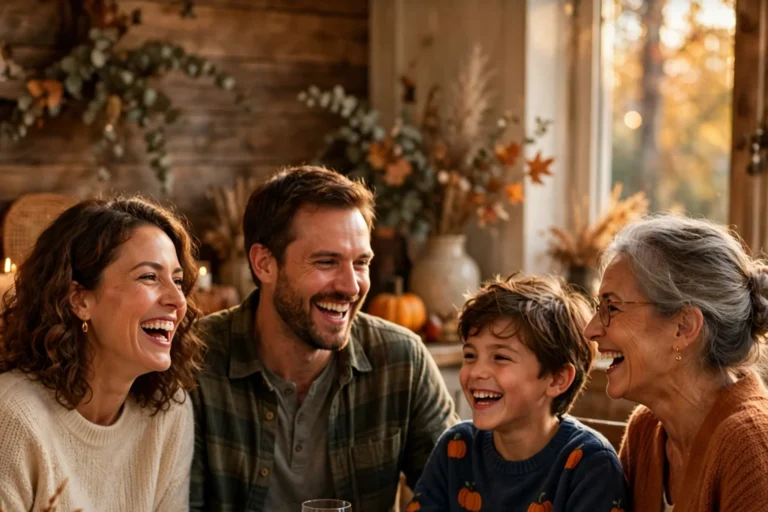
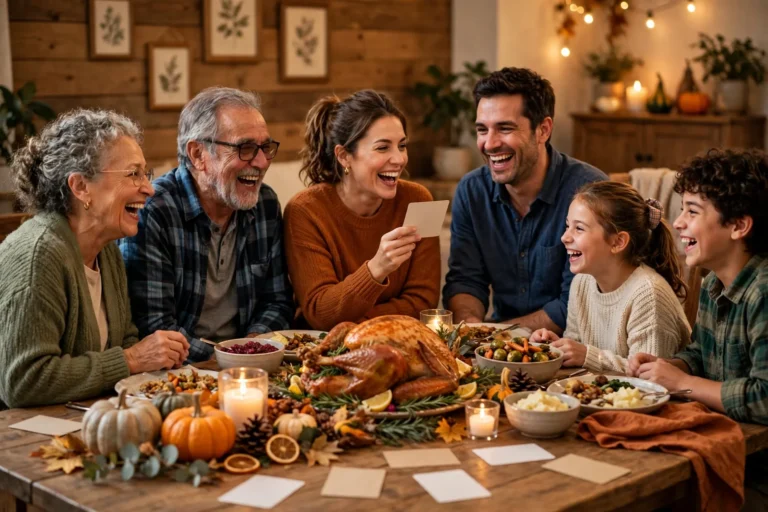
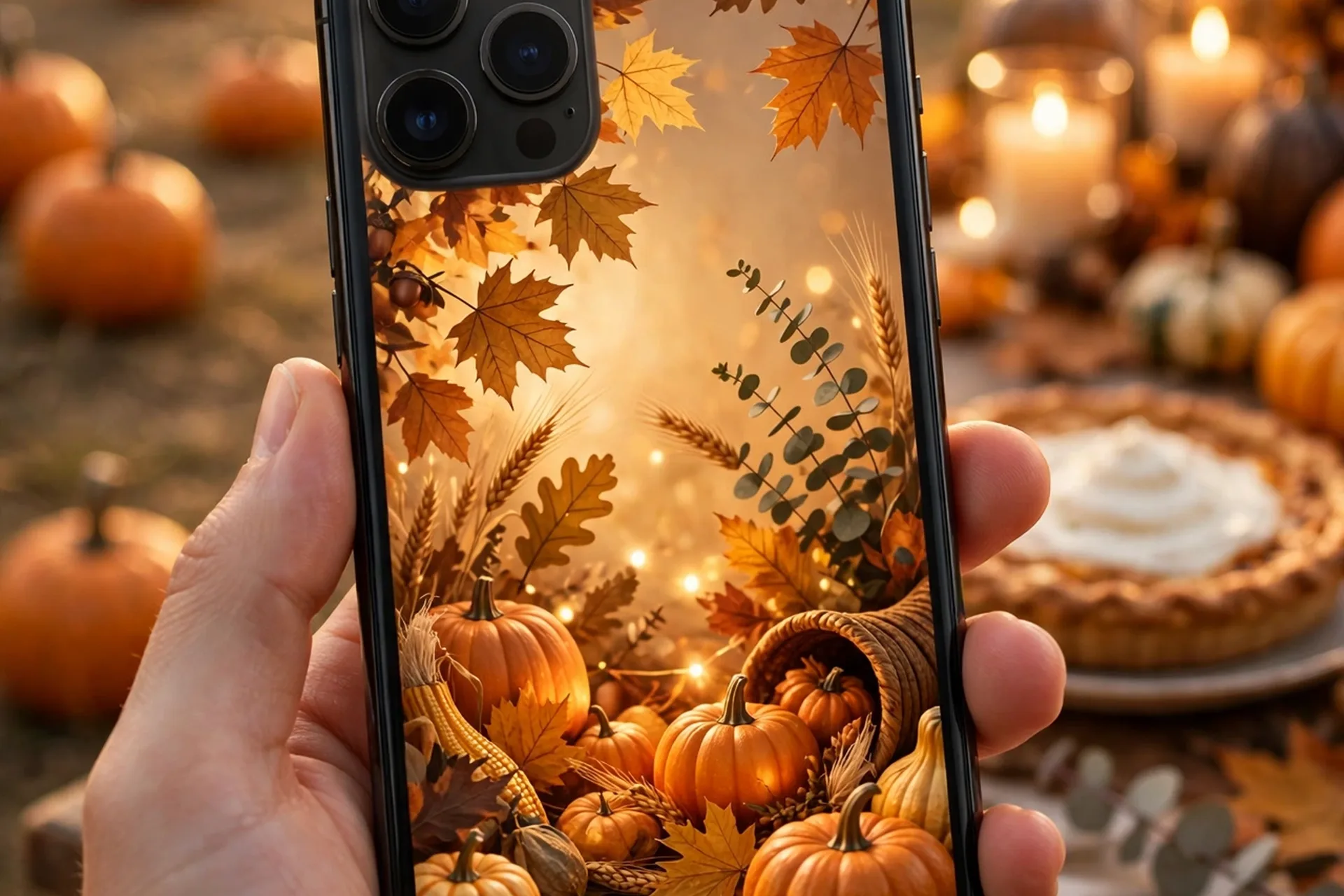
One more honest note: the hero and section images in this article are the wallpapers themselves. They are full autumn scenes rendered at article size. If one of them is exactly your mood, save it straight from this page and set it using the steps above. That is allowed, and it is why they are here.
Shop This Post
Honest answer: there is nothing to buy for this one. These are design ideas and search phrases, not products, and I will not invent a shopping list where none belongs. If you photograph your own table for the DIY bonus, you already own everything you need: your phone, your table, and Thanksgiving itself. I would rather leave this section empty than link you to something you do not need.
Frequently Asked Questions
Are these Thanksgiving iPhone wallpapers really free? The designs are free to find. Every idea includes the search phrase for a wallpaper app, Pinterest, or a free photo library. This guide does not host downloads; when a site offers a file, check it is marked free for personal use.
What size should a Thanksgiving wallpaper be for iPhone? A tall portrait image. Files sized for recent iPhones (around 1170×2532, 1206×2622, or 1320×2868 pixels) or any high-resolution 9:16 image. Your phone crops down, so starting large keeps details sharp.
Why are the Pinterest pins a different shape than phone wallpapers? Pinterest uses a 2:3 ratio (1000×1500), while iPhone screens are about 19.5:9. A pin that fits Pinterest would leave bands on your lock screen, so each format gets its own shape.
Can I use the images from this article as my wallpaper? Yes. The hero and section images here are full autumn scenes, and you may save them straight from this page. Save the original file to Photos, not a screenshot, then follow the install steps above.
Which wallpaper is best for the family phone my kids use? Design #5, the friendly turkey, or #6, the falling leaves. Nothing startles a toddler, the colors are warm, and both survive a dark minivan ride.
When should I switch my wallpaper back? The week after Thanksgiving, when the Christmas decor comes out. The falling leaves (#6) and the gratitude lettering (#4) are the exceptions: they read as plain autumn and can stay up all season.
Dress Your Phone for the Holiday
My recommendation, mom to mom: the pumpkin patch (#1) on the lock screen for the week of Thanksgiving, the soft falling leaves (#6) on the home screen so your icons stay readable, and on the day itself, photograph your own table for the DIY bonus.
Early November is the sweet spot to switch, and the week after the holiday is the day to let it go. Happy Thanksgiving, mama, and if your four-year-old steals the phone to stare at the turkey, that is design #5 doing its job.
More Thanksgiving guides on MamaKinder